How-To & Tutorials
The Export Before You Cancel: What to Download Before a Software Subscription Ends

☰ Table of Contents
Almost every guide about cancelling software subscriptions stops at the part that takes ninety seconds: find the billing page, hit cancel, confirm the dark-pattern dialog. The part that ruins the following Monday is the export you skipped. Files locked inside a tool you no longer pay for, a domain stuck behind a hosting account you closed, an email archive you can no longer search, a password vault you can no longer open — all of it was one download away while the subscription was still live.
This is a working software export checklist for freelancers and small teams: what to pull out of a tool before you end it, the order to do it in so you never lock yourself out, how to prove the export is actually complete instead of merely started, and what the law expects of you in the US, Canada and the EU when client data is in the account. It pairs with our earlier AI subscription audit: that guide decides what to cut, this one makes the cut safe.
Why Cancelling Is the Easy Part
Subscriptions are built so that leaving is frictionless for the vendor and final for you. Three design choices cause almost all the damage.
Access downgrades immediately, data does not. Many tools keep your data for thirty, sixty or ninety days after cancellation, then delete it on a schedule nobody tells you about. A few delete attached files at once but keep the record rows, so your account looks intact while every PDF inside it returns a 404.
Free tiers are not the same product. Downgrading to free often keeps your content but strips exports, API access, version history and sometimes the ability to invite back a collaborator. You can still read the account. You just cannot get anything out of it.
The vendor is the only holder of the key. Encrypted note apps, password managers, e-signature tools and cloud design files are not readable without the vendor’s client. Downloading a folder of binary blobs is not an export.
The Four Things You Actually Own
Before opening any billing page, list what you would lose in four buckets. Doing it in buckets stops you from downloading a mountain of PDFs and forgetting the one thing that matters — usually the account itself.
| Bucket | What is in it | The mistake people make |
|---|---|---|
| Content | Documents, notes, design files, images, transcripts, project records | Downloading a PDF print instead of the editable source |
| Contacts and relationships | Client list, email subscribers, CRM notes, comment threads with clients | Exporting names but not the notes and history attached to them |
| Identity and access | The domain, the email address, the login email itself, API keys, two-factor backup codes | Closing a hosting account that also held the domain registration |
| Proof | Invoices, receipts, tax records, signed contracts, audit logs | Assuming the vendor keeps invoices reachable after billing access ends |
Practically: the identity bucket is the one that turns a cancellation into an emergency. Content is recoverable from your own backups in most cases. A domain or a primary email that disappears takes days to restore and can break every other login you have. If your website, email and billing all sit inside one account, our client offboarding checklist logic applies to your own stack too: revoke and hand over deliberately, never by surprise.
What Each Tool Type Forgets to Give You
Exports are not uniform. Each category has one or two items the vendor’s own export button leaves behind, and they are predictable once you have seen them.
| Tool type | What the standard export gives you | What it leaves behind |
|---|---|---|
| Note apps and wikis | Markdown or HTML pages, sometimes attachments in a separate archive | Nested sub-pages beyond a depth limit, comment threads, embedded files that point at vendor URLs |
| Project and task managers | A CSV of tasks with status and assignee names | Attachments, recurring task rules, dependencies, time entries |
| Design and whiteboard tools | Flat PDFs, PNG frames, sometimes a JSON file | Editable layers, comments, linked assets, version history |
| Email marketing platforms | A subscriber CSV | Opt-in timestamps and source, which is exactly what you need to keep mailing legally |
| Hosting and DNS | A database dump and a files archive | DNS zone records, mailboxes, cron jobs, SSL certificates, redirect rules |
| Password managers | A CSV or JSON of items | TOTP seeds, file attachments, sharing permissions, vault history |
Two categories deserve special care. Email lists: in the US, Canada (CASL) and the EU (GDPR), the proof of consent matters more than the address list, so export the signup dates and source alongside the emails or your next send becomes a compliance question. Password managers: an export in plain CSV is a temporary artefact, not a backup. Move it into a new vault and delete the file within the hour.
The Export Order That Avoids Lockout
Order matters because some exports depend on access you are about to give up. Follow this sequence and you will never be in the position of needing a login you already closed.
- Billing records first. Download every invoice and receipt while the billing page still renders. Some vendors hide invoice history the moment the plan ends.
- Identity next. Move the domain’s registrar lock, DNS records and any mailboxes to something you control. Do this before touching the subscription that bundles them.
- Passwords and two-factor seeds. Export the vault into its replacement, verify one login from the new vault, then and only then remove the old one.
- Content in editable form. Native formats first, PDFs second, and keep the folder structure the tool used so your links still resolve.
- Contacts with their metadata. Emails plus consent dates, CRM notes plus last-contact dates.
- Screenshots of settings nobody exports. Automations, integrations, webhook URLs, custom fields, permission lists. Ten screenshots cost nothing and save an afternoon.
- Downgrade, wait a week, then cancel. A week on the free tier tells you what actually broke while you can still go back.
That last step catches more failures than any checklist. Downgrading rather than cancelling keeps a recovery path open, and a week is usually enough for a client to send you the file that only opens in the app you just left.
Proving an Export Is Complete
A download that finished is not an export that works. Verify in three passes, and write down what you checked — the record matters later when a client asks where their assets went.
- Count against the tool. Note the number of items the dashboard reports, then count the rows in your CSV. A difference of a few is normal; ten percent missing means the export was truncated.
- Open five files at random. Not the first five. Random sampling catches the empty attachment that a tidy folder hides.
- Restore one item into a different tool. Import a single note, or a single design frame, somewhere else. Import success is the only real proof of format fidelity.
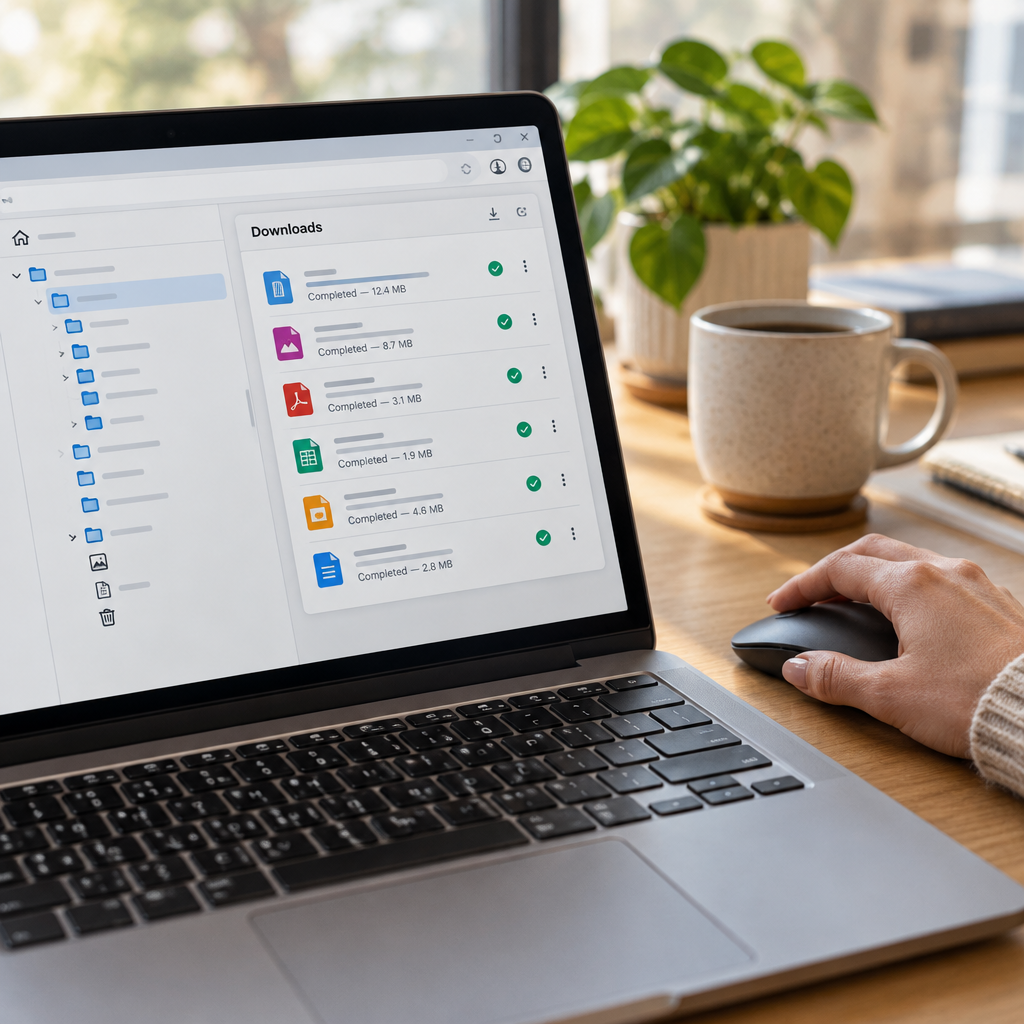
Store the finished export in two places that fail independently: an external drive you own and a separate cloud account not tied to the same vendor. Name the folder with the date and the tool, and drop a one-page text file inside listing what is there and what you deliberately left out. When two versions of something collide months later, the same merge discipline in our guide to merging conflicted copy files keeps the recovery calm.
What to Do With Client Data Before You Go
If the account holds anything a client owns — their assets, their analytics, their customer emails — the export is a data-protection obligation, not housekeeping.
Under the GDPR you are usually a processor for that data. Ending a tool is a change of processor, which means you need a lawful route for the transfer and a documented deletion of the old copy. In Canada, PIPEDA expects comparable safeguards and a defined retention period. In the US, state privacy laws vary, but client contracts are stricter than the statutes: many require notice before you move their data, and some forbid export to a new vendor without written approval.
The practical sequence: notify the client in one short email, export only what the contract allows, move it into a named location with access limited to the people who already had it, then delete the old account data once the client confirms receipt. Keep the confirmation. Three lines and a screenshot is enough evidence that you handled it properly.
The 30-Minute Export Runbook
Here is the version worth pinning above your desk. It assumes one tool, one afternoon, no engineer.
| Minutes | Action | Done when |
|---|---|---|
| 0–5 | Download invoices and receipts; screenshot the plan and renewal date | Billing history is on your drive, not the vendor’s server |
| 5–10 | Write down what the dashboard says you have: item counts, seats, storage used | You have a number to verify against later |
| 10–20 | Run the tool’s own export; grab native formats, not printouts | Archive downloaded and file size looks plausible |
| 20–25 | Screenshot settings the export ignores: integrations, automations, custom fields | A folder of images exists with readable URLs |
| 25–30 | Verify: count rows, open five random files, import one item elsewhere | At least one successful import into a different tool |
Two copies, one text file explaining the contents, then downgrade. If the tool has no export at all — some do not — take the honest route: screenshot the important views, copy the text into a document, and put a note in your calendar to never again adopt a tool without a documented export path. That single rule would prevent most of these emergencies.
After the Cancellation Email

The cancellation confirmation is the start of a two-week watch, not the end of the job.
- Day 1: confirm the plan is actually downgraded in billing, not just requested. Screenshot it.
- Day 3: check that no integration or automation still points at the dead account. A webhook firing into a cancelled endpoint fails silently.
- Day 7: search your email for the tool’s name and look for anything you still need: shared links clients may still open, calendar invites, embedded images inside old documents.
- Day 14: confirm the charge is gone from the card statement, then delete the plain-text password export if you made one.
Then write two lines in your notes: what the tool did for you, and what you would need if you ever came back. That note is the difference between a tidy exit and repeating the same scramble in eighteen months. Browse more of these step-by-step systems in our How-To & Tutorials library.
FAQ
How long do tools keep my data after I cancel?
It varies widely: some delete within days, most keep content for thirty to ninety days, and a few keep it indefinitely until you ask. Never rely on the retention window as your backup. Treat the cancellation date as the day the data is gone.
Should I downgrade to free first, or cancel immediately?
Downgrade first and wait about a week. It keeps a recovery path open while you discover what actually breaks, and going back is easy. Cancel once you have covered a normal working week without the paid tier.
Is a PDF export good enough?
For records, yes. For work you may need to edit, no. PDFs lose layers, tables and structure. Always prefer the native format or a structured file like Markdown, CSV or JSON, and keep a PDF only as a readable copy.
What if the tool has no export button?
Screenshot the key views, copy text into a document, and download attachments one by one while access is live. Then treat “no documented export path” as a permanent disqualifier for that tool’s category when you next pick one.
Do I need to tell clients before moving their data out?
Often yes. Client contracts frequently require notice before data moves to a new processor, and GDPR-style rules expect documented handling. Send one short email, keep the reply, and delete the old copy after they confirm.
Where should the export actually live?
Two places that fail independently: a drive you own and a cloud account on a different vendor. Name the folder with the date and tool, and include a short text file listing the contents so future you does not have to guess.