Digital Tools & Software
Client Offboarding Checklist: Revoke Access Before You Send the Final Invoice

☰ Table of Contents
Most freelancers treat the final invoice as the finish line. It isn’t. The real end of a project is the moment a client’s files stop being reachable by anyone who no longer needs them — including you. That moment almost never happens on its own.
This client offboarding checklist is the sweep we run on every project close: twelve minutes, one pass through seven places where access hides, and a small paper trail that answers the awkward email six months later. If you have ever discovered you still had write access to a former client’s shared drive, you already know why it matters.
Why Access Outlives the Project
Access is sticky by design. Every tool you touched during the project remembers you, and the defaults all favour keeping you. A Google Drive share doesn’t expire. A Notion guest doesn’t leave when the contract does. An API key issued in March works in December.
Three things make this worse than it sounds:
- Nobody owns the cleanup. The client assumes you removed yourself. You assume they removed you. Both are reasonable, and both are wrong.
- The client’s side changes too. Staff leave, agencies get replaced, passwords rotate. Access that was once appropriate becomes an orphaned credential nobody is watching.
- It is invisible until it is expensive. A shared folder still containing a client’s pricing sheet is not a problem until the day their auditor finds it, or until someone asks in writing who has access to what.
That second one is the risk worth taking seriously. In the US, EU and Canada, the practical question after any breach or audit is not “was the data sensitive” but “who had access, and can you show when it was removed.” A twelve-minute habit answers both.
The 12-Minute Revocation Sweep
Work through these in order. Each one is a single screen or search, and the order matters because removing a guest from a drive before transferring ownership can lock you out of your own handover files.
| Where access hides | What to check | How it usually comes back to bite |
|---|---|---|
| Shared drives and folders | Search the client’s name in your own Drive/OneDrive/Dropbox sharing list, then their list if they will share it | You keep edit rights on live business files months after handover |
| Guest accounts in their workspace | Slack, Teams, Notion, Figma, Asana, Linear — anywhere you were invited as an external | You keep reading internal channels and pricing discussions you should not see |
| Your workspace guest seats | Anyone from their team still sitting in your tools on your paid plan | You pay per seat for people who finished the project in spring |
| Passwords you were given | Hosting, CMS admin, analytics, domain registrar, payment dashboard | You are still the account that can change their DNS or see their revenue |
| API keys and tokens | Anything you generated in their systems, plus personal tokens in your own | A leaked key from a finished project still has live permissions |
| Your own backups | Local project folders, cloud sync, screenshots, old exports | Client files live on your laptop with no retention agreement covering them |
Shared Drives: Ownership Beats Permission
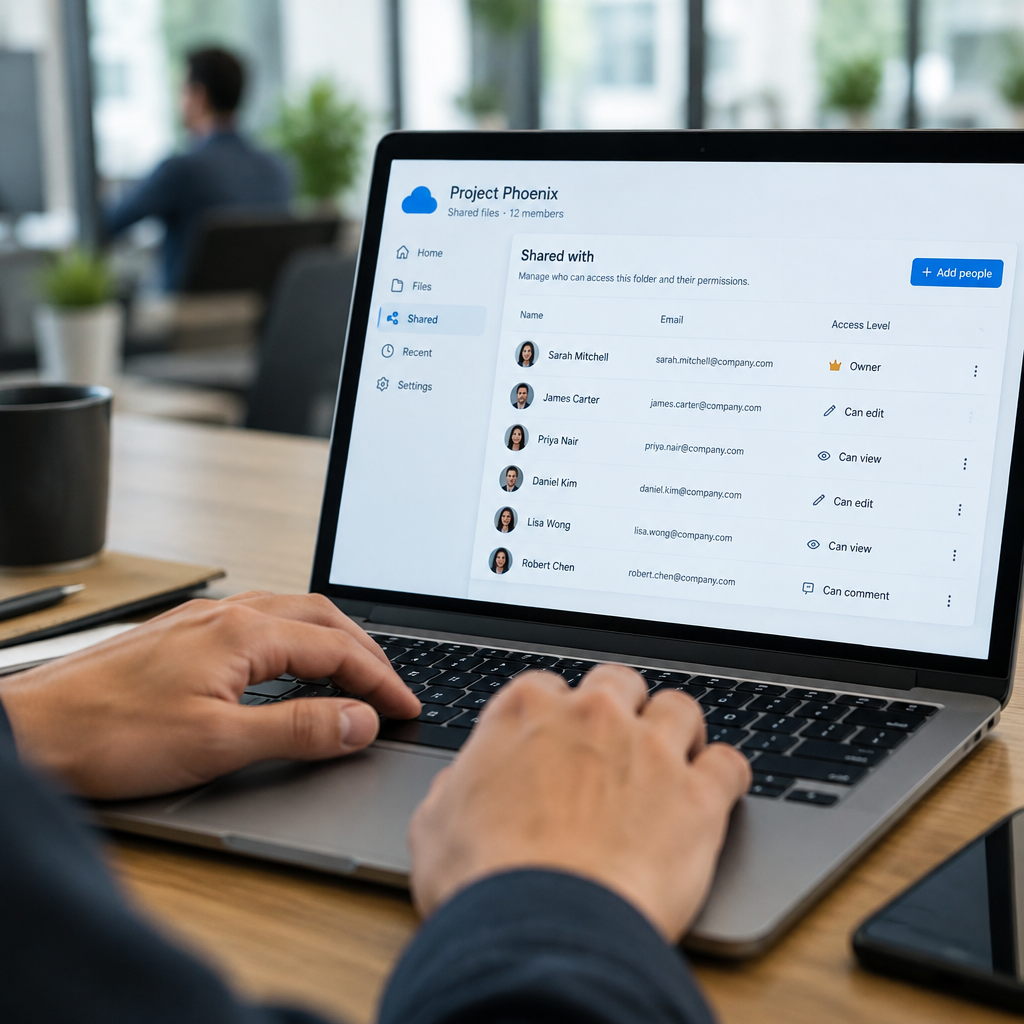
Here is the failure most checklists miss. In Google Drive, OneDrive and Dropbox, a file has one owner. If you created the client’s folder structure inside your own account and simply added them as collaborators, then revoking your own access is not a cleanup — it is a deletion waiting to happen. The moment your account loses ownership, their working files go with it.
The fix is one step, done first: transfer ownership of every file and folder you created into the client’s account, then remove yourself. In Google Drive it is a right-click → Share → change owner; in OneDrive and SharePoint an admin can reassign; in Dropbox, transfer requires the recipient to accept.
Two details people get wrong:
- Transferred files lose some sharing history. Collaborators sometimes drop off during a transfer. Tell the client to spot-check that their team still has access the next morning.
- Folders can be moved, not transferred. If the client wants your folder inside their existing structure, move it first, then transfer ownership. Trying it in the other order produces permission errors that look like data loss.
If you are still deciding how files should be handed over in the first place, our guide to client file sharing for freelancers covers the setup side, so that closing a project is not the first time you think about it.
Guest Seats You Are Still Paying For
Guest seats are the quiet subscription leak of freelance work. You invite a client into your Slack, your Figma team, your project tool. The project ends. The seat stays, because removing it feels rude and nobody is prompting you to.
Run this check once a quarter across your paid tools: open the member list, sort by last active, and anyone from a project that has been closed for more than thirty days should be removed, not just downgraded. Two minutes per tool, and it is usually worth a full month of one subscription.
Do it in the polite order: export or hand over anything they need first, then send one line — “Closing the project workspace on Friday and removing external seats; anything you want kept, tell me before then” — then remove. That message is the whole difference between a clean exit and a client who feels dropped. Our async handoff brief has a template for that closing note if you want the wording.
Passwords, API Keys and Their Tools
Every password you were ever given is a liability the moment the project ends. The goal is not to delete them quietly; it is to make sure they are changed after you leave, and to say so in writing.
Send the client a short list at handover: which accounts you had access to, in what role, and which ones should have their password rotated now. Then hand over credentials through a password manager share with an expiry, never through email or chat. If they gave you credentials in a Google Doc, that doc is still sitting there with your name on the edit history.
API keys deserve their own line. Any key you generated inside their systems should be revoked by you, not left for them to clean up, and any key of yours that touches their data should be revoked as well. Rotating a leaked key is cheap; explaining why a finished project still had live write access is not.
The Handover Pack That Proves It
A revocation sweep you cannot evidence is just a memory. Keep a small pack — three files, one email — and the record takes care of itself.
| Item | Format | What it protects you from |
|---|---|---|
| Access register | One-page table: system, your role, removed on (date) | “Who still had access?” questions months later |
| Ownership transfer record | Screenshot or export of the ownership change | Arguments about files that vanished after handover |
| Credentials note | Plain list of accounts touched, no passwords, with a rotate-now column | Being the unexplained last login on a stale admin account |
| Closing email | Sent to the client, copying the three items above | Any claim that offboarding was never mentioned |
The email matters most, because it timestamps everything. One paragraph, sent the day you close the project, is worth more than a tidy folder nobody opens. And if the file handover itself goes wrong, the same records are what let you recover calmly — the drill in our client file recovery guide assumes exactly this kind of paper trail.

GDPR, PIPEDA and “Keep a Copy”
Your instinct after handover is to keep a copy “just in case.” That instinct can create a legal problem, and the rules differ enough by region to be worth knowing before you archive anything.
- EU / UK (GDPR): personal data must not be kept longer than necessary. A client’s customer list on your old laptop has no lawful basis once the project is over unless your contract says how long you may retain it. Storage limitation is a principle, not a suggestion.
- Canada (PIPEDA and provincial laws): you need a stated purpose and a retention period for personal information, and you must destroy it when the purpose ends. Quebec’s Law 25 adds stricter expectations around that destruction.
- US: no single federal retention rule, but state privacy laws and your own client contract do the work. Many MSAs already specify deletion timelines — check yours before you archive a folder “for safety.”
The practical version: keep the deliverables and the paper trail, delete the raw working data, and put the retention decision in the closing email so both sides agree on a date. If the client wants you to keep backups, get that in writing with an end date attached.
A One-Page Offboarding Run Sheet
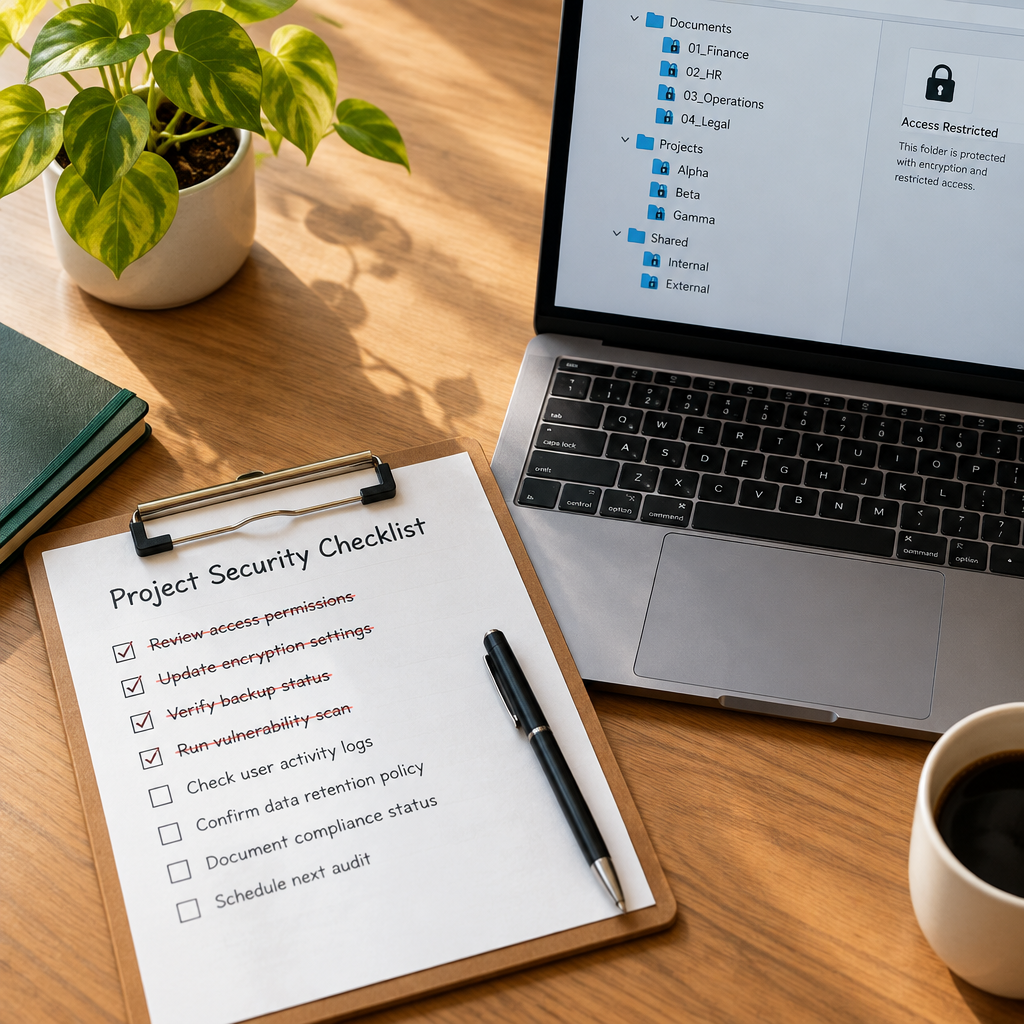
Copy this into your project template and run it the day before you send the final invoice:
- Transfer ownership first of every file and folder you created inside your own account. Confirm the client can still open everything.
- Hand over credentials through a password manager share with an expiry, and list which passwords should now be rotated.
- Revoke your access on their side: shared drives, guest accounts, admin panels, analytics, hosting, domain, payment dashboards.
- Revoke API keys and tokens you generated in their systems, and any of yours that touched their data.
- Remove their people from your paid workspaces, after the export and the warning email.
- Archive the paper trail: access register, ownership record, credentials note, closing email.
- Delete raw working data once deliverables are accepted, or agree a retention end date in writing.
Twelve minutes, once per project. In exchange you stop being the person with unexplained access to files you have no business seeing — and you stop paying for seats nobody sits in. That is a better trade than most of the tools in this category.
FAQ
How soon after a project ends should I revoke access?
The same week, before the final invoice goes out. While the client still wants something from you, they answer access questions quickly. A month later, the same request sits in an inbox.
Who should own the shared folder, me or the client?
The client, always, for anything that is their business data. You own working drafts; they own deliverables. If you built the folder structure inside your account, transfer ownership before you remove yourself or the files leave with you.
Should I delete my backups of the client’s files?
Delete raw working data unless you agreed otherwise. Under GDPR and PIPEDA, keeping personal data “just in case” is a retention problem. Keep deliverables and the paper trail; put any longer retention in writing with an end date.
Is it rude to remove a client from my Slack or Figma?
Not if you warn them first. One line saying the workspace closes on Friday and asking what they want exported turns a removal into normal project housekeeping. Silence is what feels rude.
What if the client never removed my access?
Tell them in writing, name the systems, and ask them to confirm removal — or ask to be removed yourself. Do not keep quiet about access you no longer need; it becomes your problem the day something goes wrong.
Do I need a formal offboarding agreement?
Not a separate contract. One paragraph in your existing agreement covering retention, deletion and access removal is enough, and it makes the closing email a formality rather than a negotiation.