Tools & Software
Email Deliverability for Freelancers: Why Your Client Invoices Hit Spam
Email Deliverability for Freelancers: Why Your Client Invoices Hit Spam

☰ Table of Contents
You sent the quote on Tuesday. By Friday the client has gone quiet, so you assume they lost interest — meanwhile the invoice is sitting in their spam folder next to a fake lottery win. This is the least glamorous problem in freelancing, and it costs more than most software subscriptions ever will.
Email deliverability for freelancers is not a marketing-team concern. It is the difference between a proposal being read and a proposal being invisible. The good news: the cause is almost always mechanical, the fix takes about twenty minutes, and you can verify it yourself before the next invoice goes out.
The Quiet Tax on Freelance Email
Here is the scenario we hear most often. A freelancer buys a nice domain, sets up a mailbox on it, and starts sending quotes from hello@studio-name.com instead of Gmail. Nothing breaks. Some emails arrive. A few don’t, and those few are disproportionately the important ones: the invoice, the contract, the file handoff link.
Two things are happening underneath.
First, mailbox providers judge domains, not just people. Your personal Gmail address has years of sending history behind it. A three-week-old domain has none, so the first messages get treated with suspicion until a pattern of legitimate use builds up. Second, and far more fixable: most new domains have no email authentication records at all. Without them, anyone can forge your address, and providers have no reliable way to tell your invoice from a phishing attempt that copies it.
The cost is invisible because failure is silent. A bounced email at least tells you something went wrong. A spam-filtered email looks exactly like being ignored, so freelancers spend weeks chasing clients who never saw the message. If you have ever had a client swear they replied to something you never received, that is usually this, in both directions.
What Actually Decides Inbox vs Spam
Inbox placement comes down to four signals, roughly in this order of weight: authentication, sending reputation, complaint behaviour, and content. Content is the one everybody worries about and the one that matters least if the first three are broken.
Authentication is the part you can fix today. There are three DNS records involved, and they solve different problems:
| Record | What it proves | What happens without it |
|---|---|---|
| SPF (TXT on your root domain) | Lists the servers allowed to send mail for your domain | Forged mail and your own legit mail look identical to the receiving server |
| DKIM (TXT on a selector subdomain) | Cryptographically signs each message so it can’t be altered in transit | No tamper detection; forwards and relays break your credibility |
| DMARC (TXT on _dmarc) | Tells providers what to do when SPF and DKIM both fail, and where to send reports | No policy, no reporting, and Gmail/Yahoo bulk rules treat you as unverified |
These three are not alternatives. SPF without DKIM is weak, DKIM without DMARC gives you no policy, and DMARC without a reporting address means you never learn what is being forged in your name. Set all three, then move on to reputation.
Reputation is slower and mostly outside your control, but two levers matter: send consistently rather than in occasional bursts, and never let a purchased list anywhere near your domain. One blast to 4,000 scraped addresses can undo a year of clean sending, and it takes months to recover.
The 20-Minute Authentication Fix
You need DNS access for your domain and the ability to see your sending provider’s recommended records. If you use Google Workspace, Microsoft 365, Zoho or a host’s mail service, the provider publishes exact values — never invent them, because a typo in a DKIM key quietly fails every check.
- Find your DNS control panel. It is at your registrar or wherever the nameservers point (Cloudflare, your host, Route 53). If you changed nameservers, the records live with the new provider, not the old one. This trips up more people than any technical step.
- Add or repair SPF. One single TXT record on the root domain, starting with
v=spf1, listing every service that sends mail for you, ending in~allwhile testing and-allonce you are confident. Two SPF records on one domain is a permanent fail, so merge duplicates rather than adding a new one. - Add DKIM. Copy the selector and key from your mail provider’s admin panel. The record name is usually something like
google._domainkeyand the value must be pasted unbroken — a line break breaks the signature. - Publish DMARC. Start at
p=nonewith a reporting address you actually read. This is monitoring mode: it changes nothing about delivery, but it starts collecting data about who is sending as you. - Wait for propagation, then verify. Give DNS 15 to 60 minutes, then send a test to a Gmail address and read the authentication results in the header (next section). Only after a clean pass should you tighten the policy to
quarantine.
p=reject is the most common self-inflicted outage. If a third-party tool sends appointment reminders or invoices through your domain, a hard reject policy will silently kill those messages. Run p=none for two weeks, read the reports, then tighten.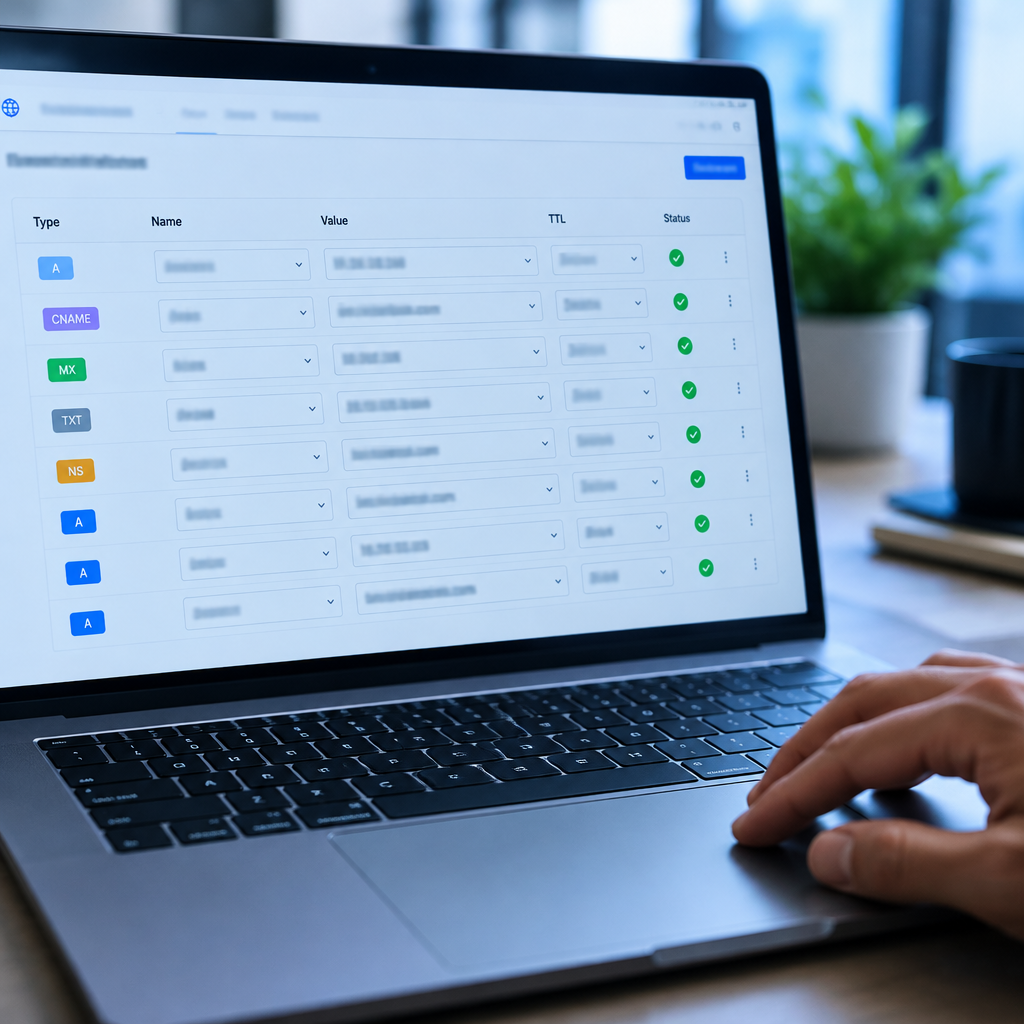
Reading a Raw Header in Five Minutes
You do not need a deliverability tool to know whether you pass. Every message carries its own report card. Open the message, choose “show original” or “view source”, and search for the authentication lines.
| Header line | What to look for | Reading it |
|---|---|---|
Authentication-Results |
spf=pass, dkim=pass, dmarc=pass |
Any fail or softfail here is your actual bug, named for you |
Received-SPF |
The IP and domain being checked | Confirms which server the receiver thinks sent the mail |
Return-Path |
The envelope sender domain | Should align with your domain; a random ESP domain here costs you DMARC alignment |
X-Spam-Score / X-Spam-Status |
A number and a verdict word | Available on some hosts; useful for spotting content-level triggers |
Alignment is the subtlety worth understanding. DMARC does not just ask whether SPF and DKIM passed; it asks whether the domain that passed matches the domain in your From line. A perfectly configured newsletter tool can still fail DMARC if it sends as yourdomain.com in From but authenticates as its own bounce domain. That is why some providers ask you to add a second set of records on a subdomain — do it, and the alignment problem disappears.
If authentication looks clean but mail still lands in spam, the problem has moved to reputation or content. That is the point where a monitoring service earns its fee, because you cannot audit your own reputation by staring at your sent folder.
The Sending Test to Run Before a Big Quote
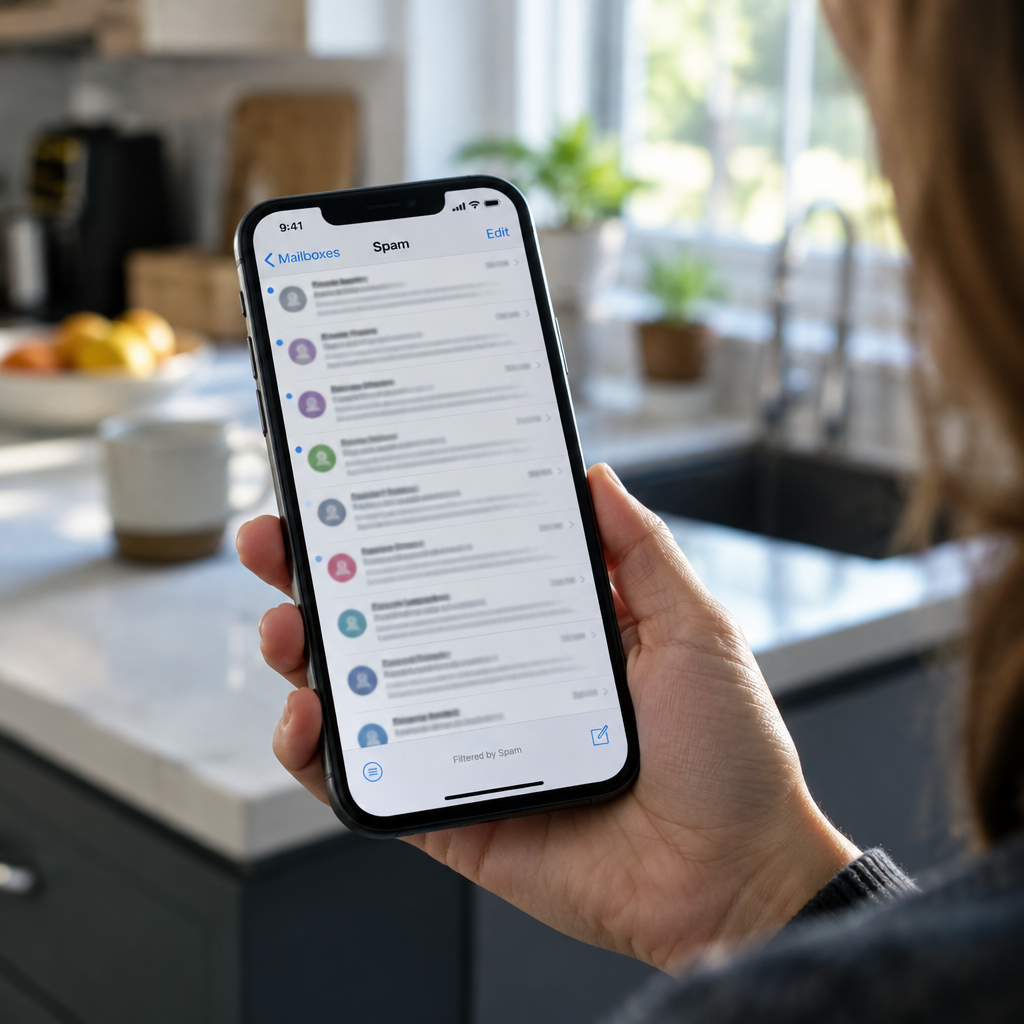
Before a proposal that matters, send it to yourself at three different providers and check where it lands. This takes ten minutes and no money. Use a Gmail address, an Outlook or Hotmail address, and one Yahoo address if you have one, since they filter differently.
| Step | What you do | What a pass looks like |
|---|---|---|
| 1 | Send the real email, not a test message that says “test” | Arrives in the inbox, not Promotions or Spam |
| 2 | Wait 15 minutes, then refresh on mobile as well as desktop | Same placement on both; mobile filters sometimes differ |
| 3 | Open the message and check the authentication header | All three pass, and the From domain aligns |
| 4 | Reply from the test account and confirm your inbox receives it | Two-way delivery works, which matters for negotiations |
| 5 | Click your own links and open your own attachment | No warning interstitials from the provider |
The mobile refresh is not paranoia. Filters and inbox tabs update on different schedules, and a message that looks fine on desktop can be sitting in a phone’s spam folder for hours. If a client reads email primarily on their phone, that is the placement that counts.
Content Mistakes That Undo Perfect DNS
Authentication gets you considered. Content decides the verdict. The triggers that hurt freelancers are boring and repetitive:
- A single link to a PDF invoice on an unfamiliar domain. This is the exact shape of a phishing email. Hosting the invoice behind your own domain, with a real page around it, performs measurably better than a bare file link.
- Heavy attachments on the first contact. A 12MB zip from an unknown sender reads as malware. Use a share link and say what is inside it.
- Image-only emails. A JPEG of a quote has almost no text for filters to evaluate, and some clients block images by default. Always include a plain text version of the numbers.
- Cold-ish language in a genuine email. “Dear Sir/Madam, please find attached our proposal for your kind consideration” reads like bulk mail because bulk mail is where those phrases live. Write like a person who has met the client.
- Sudden volume changes. Twenty emails in an hour from a domain that usually sends three a day looks like a compromised account.
One positive habit beats all of these: keep a plain-text signature with your name, role, website and phone number. Filters weight the presence of real contact details, and clients reply to it more often anyway.
When Your Domain Reputation Is Already Damaged
If your domain has been sending without authentication for a year, or someone spoofed it, you may be starting from a deficit. Three practical moves, in order:
Prove the fix, then wait. Reputation recovers through consistent, authenticated, low-volume sending to people who open your mail. There is no reset button, and buying a “deliverability boost” service is money thrown at a problem that resolves itself in four to eight weeks once the records are right.
Separate bulk from conversation. If you send a newsletter or automated sequences, put them on a subdomain such as mail.yourdomain.com with its own records and reputation. Your client invoices then live on a domain that never sends in volume, which is exactly the profile inbox providers trust most.
Check for spoofing before assuming you are the problem. DMARC reports at p=none will show sending sources you do not recognise. If a stranger is sending as your domain, tightening the policy to quarantine is what actually stops them — and it protects your clients from fake invoices in your name, which is a real and growing scam against freelancers.
Do not rush to buy a new domain. A fresh domain has zero history, so you trade a damaged reputation for no reputation, and you break every link, signature and saved contact in the process. Fix the records first; change domains only if the damage is severe and documented.
The Quarterly Ten-Minute Check
Authentication is not a one-time task. Records expire when a provider rotates keys, breaks when you switch mail hosts, and silently stops aligning when you add a new tool that sends on your behalf. Put a ten-minute review in your calendar every quarter:
- Look up your domain’s TXT records and confirm SPF has exactly one entry and no dead services listed.
- Confirm the DKIM selector still matches what your provider currently publishes.
- Open the last DMARC report and scan for sender IPs you cannot explain.
- Send one real email to a Gmail address and read the authentication header.
- Check that your domain and mailbox renewal are not about to lapse. An expired domain takes your email with it, and recovering it is far more expensive than the renewal.
That is the whole system: authenticate, verify with a header, test before anything important, and review quarterly. Twenty minutes now saves you the weeks you would otherwise spend wondering why a perfectly good client stopped answering. If you handle client files through the same domain, the same discipline applies to access links — our guide to secure file sharing for freelancers covers that side, and if you have just moved a site or mailbox to a new host, the post on what breaks after a DNS switch lists the failures worth checking in the first 48 hours.
FAQ
Do I need SPF, DKIM and DMARC if I only send a few emails a day?
Yes, and low volume makes it cheaper to do properly. Small senders are the easiest to spoof, so providers lean harder on authentication when there is no sending history to judge. All three records take about twenty minutes to publish.
Why do my emails go to spam even though my records pass?
Almost always content or reputation. A link to a file on an unfamiliar domain, a heavy attachment on first contact, or a sudden jump in sending volume will override clean authentication. Send the real message to a Gmail and an Outlook address and check both placements.
Can I use a free Gmail address for client work instead?
It delivers reliably because Google’s infrastructure carries the reputation, but it looks improvised on invoices and proposals. The practical middle ground is a custom domain with proper records, which gets you both credibility and inbox placement once it has a few weeks of clean sending behind it.
How long does it take for new DNS records to work?
Usually 15 to 60 minutes, occasionally a few hours. If checks still fail after a day, look for a typo, a duplicate SPF record, or records added at a registrar whose nameservers are no longer in use.
Is a DMARC policy of p=none useless?
No. It changes nothing about delivery, but it starts collecting reports about who is sending as your domain, which is how you find spoofing and misconfigured tools. Treat it as the two-week monitoring phase before moving to quarantine.
Should I use a separate domain for invoices and contracts?
Not necessary, but keep bulk sending on a subdomain. Your main domain should carry conversation and documents, because a domain that never sends in volume is the profile inbox providers trust most.