
AI Tools
AI Headshots for Freelance Profiles: Where They’re Allowed, Where They Backfire
AI Headshots for Freelance Profiles: Where They’re Allowed, Where They Backfire
☰ Table of Contents
Search AI headshots for freelancers and you get forty versions of the same article: a list of generators, a discount code, and a sentence about how “a professional photo can boost your response rate.” What none of them mention is the part that actually costs people money — that the three biggest places freelancers look for work have spent the last two years tightening identity checks, and a synthetic face on your profile is exactly what those checks are built to catch.
This is the version of the guide we wish existed: which uses of an AI headshot generator are safe, which ones quietly put an account at risk, how to spot a generated portrait from a client’s side of the screen, and a ten-minute phone setup that beats most paid generators for the one job a photo actually has to do.
Who This Advice Is Actually For
Two different people search this topic and they need opposite answers.
If you’re building a content surface — a blog author box, a newsletter, a YouTube thumbnail, a course page, a business site “meet the team” block — then an AI portrait is a design asset. Nobody is verifying your identity through a sidebar byline, and a clean, consistent portrait genuinely helps. Go generate one.
If you’re applying for work on a marketplace that verifies identity, the photo is a different kind of artifact. It is not decoration. It is part of an account that gets reviewed, and misrepresenting who you are is the specific thing that review screens for. This article is mostly about the second case, because that’s where the advice online is worst.
The Two Jobs a Profile Photo Does
Every profile photo is doing two jobs at once, and most freelancers only think about the first one.
| Job | What it’s for | Does a generated image work? |
|---|---|---|
| Trust signal | Gives a human face to a name so a stranger will read your first line | Yes — if it isn’t obvious, and if the face matches the person who shows up |
| Identity claim | Proves the account belongs to a real person the platform can verify | No — this is precisely what verification exists to check |
Job one is persuasion. Job two is compliance. A synthetic portrait can satisfy the first and fail the second, and that failure isn’t a small one: on marketplaces, it lands in the same bucket as stolen photos and impersonation, whether or not that was your intent.
There’s a third, less obvious consequence: your clients do the same check you do. A designer who hires a freelancer for a $2,000 project will often paste the profile photo into a reverse image search, or ask for a short call. If the face on the profile doesn’t appear anywhere else and doesn’t match the person on the call, you don’t get a warning — you get silence. Our guide to AI voice cloning scams covers the same asymmetry from the client’s side: once a buyer has been burned by synthetic media, they stop giving anyone the benefit of the doubt.
Where AI Headshots Are Safe — and Where They Aren’t
Instead of a blanket yes or no, here’s the split we use. The rule underneath it: is anyone checking that this face is the person behind the account?
| Place the image appears | Verification involved? | Verdict |
|---|---|---|
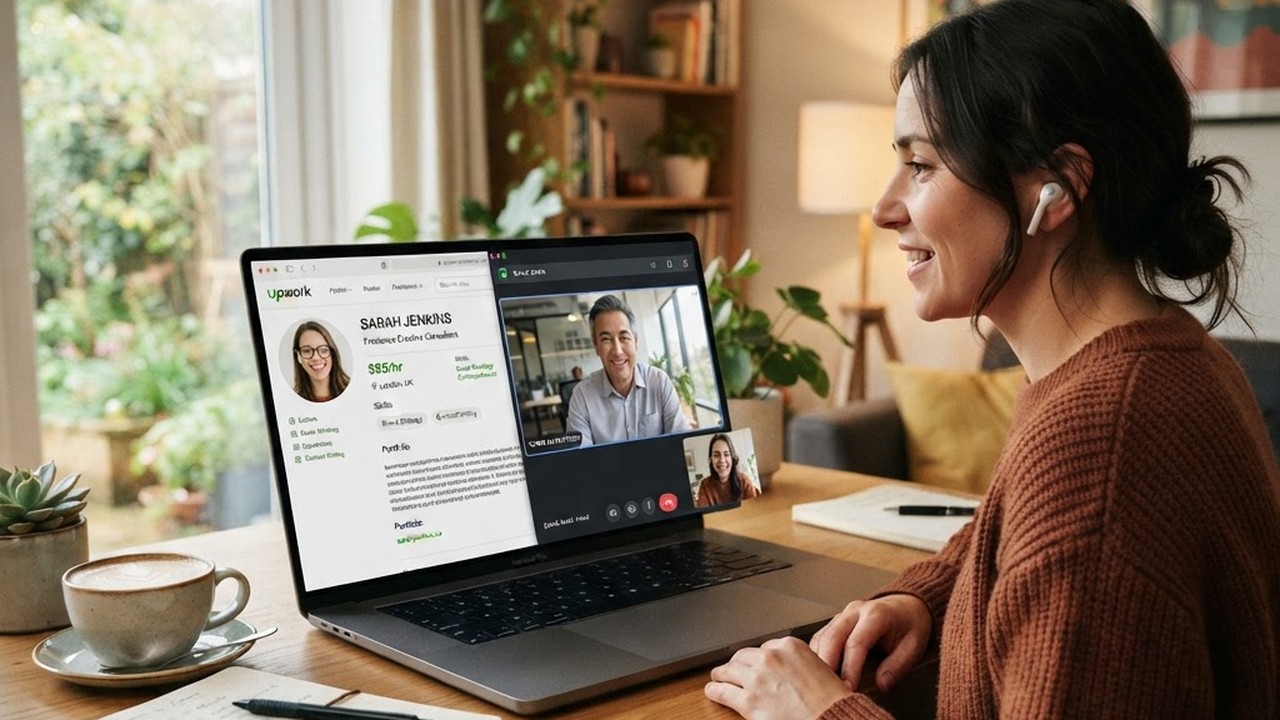
| Marketplace profile where you were ID-verified (Upwork, Fiverr, similar) | Yes — identity checks and photo rules | Don’t. Use a real photo of you. Rules change; read the current policy page before you upload anything |
| LinkedIn or any network built on real-name, real-person norms | Yes, plus social reporting | Don’t. Even “enhanced” versions of your own photo can read as misrepresentation if the enhancement changes your features |
| Your blog’s author box or about page | No | Fine, but label it if it isn’t a photo of you. A one-line credit costs nothing and protects you |
| Newsletter header, podcast cover, course page | No | Fine — same labeling rule |
| Client proposals and pitch decks | Indirect — it’s shown next to a real call | Real photo only. The call is the verification, and the mismatch is what people remember |
| Portfolio case-study thumbnails, article illustrations, hero images | No | Fine — this is where generators earn their money |
| Professional licenses, legal or medical profiles, anything regulated | Yes | Absolutely not. In several US states and under EU consumer rules, presenting a synthetic person as a real practitioner is a regulatory problem, not a style choice |
The Tell That Makes a Portrait Obvious
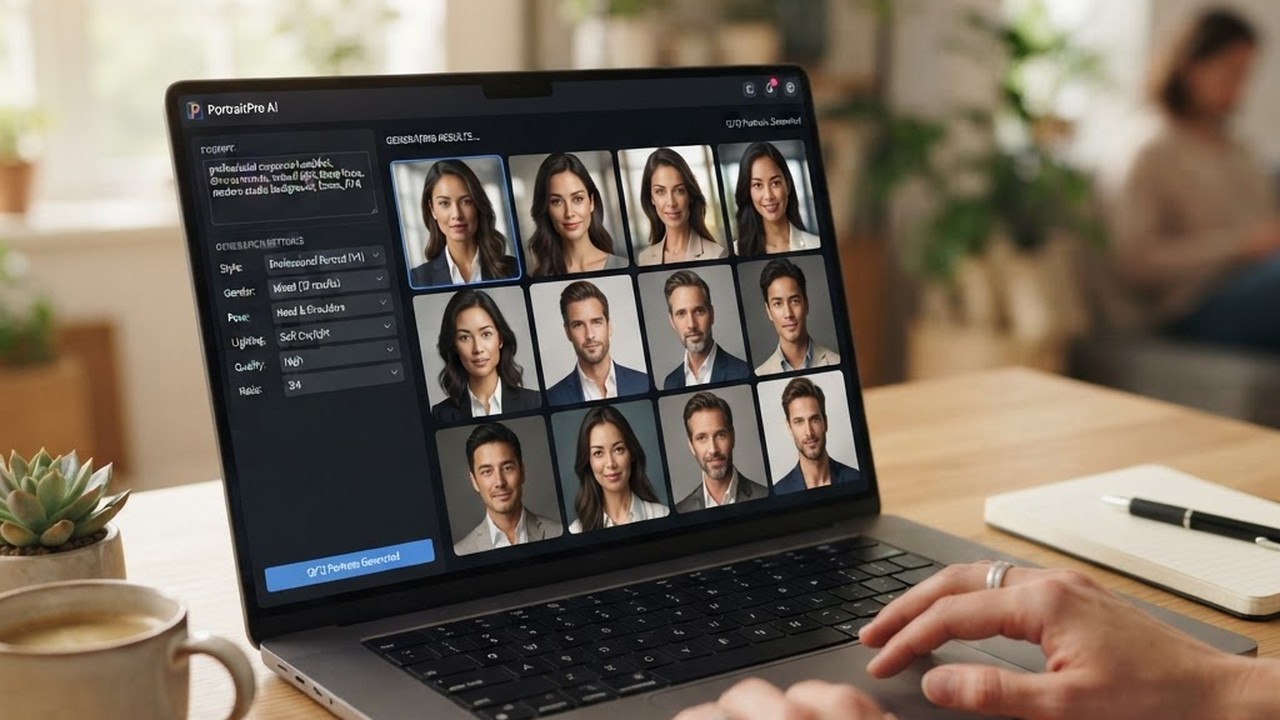
The generators have gotten good enough that the old tells — melted fingers, six teeth, floating earrings — are mostly gone. What still gives them away at thumbnail size:
- Everyone has the same light. Generated portraits default to one flattering softbox from 45 degrees. Scroll a grid of them and the uniformity is the tell, not any single image.
- No environment. Real photos taken by real freelancers have a bit of chaos: a radiator, a badly hung picture, a coffee cup. Perfect bokeh everywhere reads as studio, and most freelancers don’t have a studio.
- The expression doesn’t match the job. A confident corporate smile on a profile offering “empathetic long-form editing” creates a small dissonance clients can’t name but do feel.
- The face appears nowhere else. This is the one that actually breaks trust. A real freelancer has the same face on their site, their LinkedIn, and in a screenshot or two. A synthetic one exists in exactly one place.
That last point matters more than any technical artifact. Consistency across surfaces is what makes a face feel real, and it’s the hardest thing to fake — which is also why it’s the first thing a suspicious buyer checks.
What AI Headshots Are Genuinely Good At
Strip out the profile-photo use case and the category gets honest. These are real, useful jobs:
- Illustrations for articles. A header image of “a freelancer reviewing invoices” doesn’t need to be a specific person. Generating it is faster and cheaper than licensing stock, and you avoid the awkwardness of a stock model showing up on three competing blogs.
- Consistent style across a brand. If your site uses one visual treatment, generating a set of portraits or scene images in that treatment is genuinely faster than art-directing a shoot.
- Placeholder-free drafts. When you’re mocking up a landing page at 11pm and need something that isn’t a grey box, a generator is the right tool.
- Enhanced versions of a real photo — cautiously. Background cleanup and colour grading on a genuine photo of you is normal retouching. Replacing your face with a generated one is not retouching, and platforms treat it differently.
Notice what’s not on that list: your marketplace avatar. That’s the one place where the whole exercise stops paying for itself. If you’re early in building a service business, the effort is better spent on the offer and the first three reviews — which is the argument we make in our Fiverr beginner guide.
The Ten-Minute DIY Shoot That Beats Most Generators
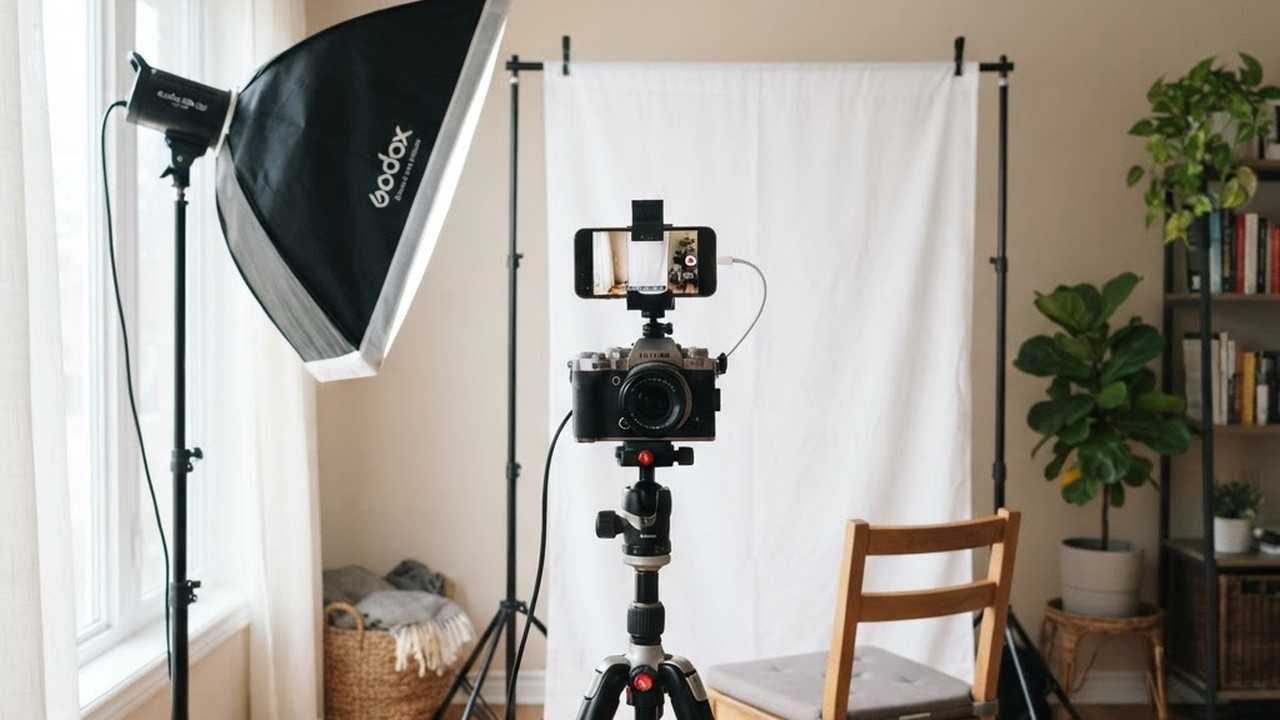
Here’s the unglamorous alternative, and it works. A phone, a window, and ten minutes will produce a portrait that passes every identity check and looks more like a working professional than any generated image.
| Setup piece | Cheap version | Why it matters |
|---|---|---|
| Light | Face a window, no direct sun, mid-morning | Soft, directional light is the entire difference between snapshot and portrait |
| Background | A blank wall, or a doorway two metres behind you | Depth keeps the frame from looking like a passport photo |
| Height | Phone at eye level — stack of books, whatever | Shooting up from a desk is the most common giveaway of a casual photo |
| Framing | Head and shoulders, a little space above the hair | Marketplace thumbnails crop hard; leave room |
| Expression | Neutral-to-slight smile, eyes to the lens | Matches the tone of most client conversations |
| Volume | 20 frames, same setup, tiny changes | One good frame out of twenty is a normal hit rate |
| Editing | Free phone editor: straighten, crop, exposure, done | Anything past that starts to look synthetic anyway |
Total cost: zero. Total time: one coffee. The only genuinely hard part is accepting a photo of yourself, which is a psychological problem, not a photographic one.
The One-Week Test That Settles It
If you want data instead of opinion, run this. It works whether you’re testing a real photo, a generated one, or a retouched version of a real one:
- Pick two candidates — say your current photo and one new option. Same profile text, same gig or proposal template.
- Run them for one week each in the same order of days if you can, so you’re not comparing a Tuesday to a Sunday. Keep a simple tally: profile views, replies, and calls booked. Not “likes.”
- Ignore the first 48 hours. Any change produces a novelty bump that fades. The number you want is week-end, not day one.
- Write down what changed in the conversation, not just the count. Photos that attract the wrong buyers show up as more first messages and fewer calls.
- Then decide. In most cases the two options perform within noise of each other — which is your answer: the photo was never the bottleneck, the offer was.
This is the same logic we use for tool decisions in the seven-day payback test: measure the thing you actually want, over a window long enough to be boring, then act on the boring number.
Bottom Line
AI headshots are a perfectly good design tool and a genuinely bad identity strategy. The freelancers who get hurt by this category aren’t the ones who use generators — they’re the ones who use a generated face on a platform that verifies who you are, then can’t explain the mismatch when support asks.
So: generate freely for illustrations, bylines, headers and mockups. Label the ones that could be mistaken for a real person. And keep one honest, slightly imperfect photo of your actual face for the places where a human is deciding whether to trust you. Ten minutes with a window beats a subscription you’ll cancel in March.
FAQ
Can I use an AI headshot on my Upwork or Fiverr profile?
Treat it as no. Both platforms verify seller identity and both have rules about profile photos representing you. The specific wording changes, so read the current policy page instead of a blog post — including this one. A real photo of your actual face is the only version that can’t be a problem later.
Will anyone actually notice a generated profile photo?
Individually, maybe not. In aggregate, yes — because the tell isn’t one image, it’s a grid of them with identical lighting, and because a suspicious buyer checks whether your face exists anywhere else. If it exists in exactly one place, that’s the flag.
Is it dishonest to use an AI-generated illustration of a person on my blog?
Not if it’s clearly an illustration and not presented as a real team member. It becomes a problem when a synthetic face is captioned as a named person, or used to imply staff or credentials that don’t exist.
What about AI-enhanced versions of my own real photo?
Retouching — cropping, exposure, background cleanup, colour grading — is normal and fine. Regenerating your face from a prompt is not retouching. The line is whether the result still shows you.
Do I need a professional photographer to compete?
No. Phone, window, eye level, blank wall, twenty frames. Client-facing photography is a signal of care, not of budget, and a clean phone portrait reads as care just as well as a studio shot.
What if my real photo is old or I dislike how I look?
Update the photo rather than replace the person. A current phone portrait that’s 10% less flattering and 100% accurate will out-convert a polished image that falls apart the first time a client opens a video call.