How-To & Tutorials
How to Audit Your Subscriptions in 30 Minutes (Without Cutting Useful Tools)
How to Audit Your Subscriptions in 30 Minutes (Without Cutting Useful Tools)

☰ Table of Contents
A forgotten trial here and a discounted annual plan there can quietly turn into a sizeable bill. A useful subscription audit is not a vow to cancel everything; it is a short check of what you pay, what you actually use, and what would be risky to lose. This 30-minute method works for personal apps and the software stack behind a small freelance business.
Start With the Charges, Not Your Memory
To audit subscriptions properly, start with transactions, not the apps you remember using. Small recurring charges are easy to forget, and a service may bill under a parent company or payment processor rather than its product name. Review the last 90 days of bank and card statements, plus PayPal, Apple, Google Play, and any work-expense account you use.
Search for recurring amounts and merchant names, then record each service, amount, billing frequency, renewal date, payment method, and who uses it. Check annual charges too: one large renewal can be harder to notice than a monthly fee. Do not cancel anything yet. First establish what the household or business actually pays.
Separate Active Use From Habit
“I might need it” is not the same as “it is worth keeping.” For each tool, identify the last time you used it for a real task and what would break if access ended today. A design app used for paid client work can earn its place; a second storage plan duplicating your main backup may not.
Use the following decision table. It is deliberately about evidence and replacement cost, not whether the price feels small.
| Question | Keep or review | Evidence to check |
|---|---|---|
| Did I use it in the last 30 days? | Keep if usage is regular or tied to scheduled work; otherwise review. | Recent projects, activity log, or team use. |
| Does it save or earn more than it costs? | Keep when the value is clear, not merely possible. | Hours saved, revenue supported, or a required deliverable. |
| Is another paid tool already doing this? | Compare overlap before renewing both. | Storage limits, seats, export features, integrations. |
| Can I replace it without losing data? | Export and test first; do not cancel blindly. | Download option, file formats, retention and restore window. |
For a freelancer, include client-funded seats separately from personal overhead. If a client reimburses a seat, confirm that arrangement before changing it. A subscription audit should reduce waste without disrupting work or losing access to client files.
Annual Billing Is a Break-Even Bet
Annual plans often advertise a discount, but the useful question is whether you will use the service long enough to recover the upfront payment. Compare the annual price with the monthly price and calculate the break-even month. Then ask whether you have enough cash to pay now without carrying a balance or weakening your emergency buffer.

| Plan example | Monthly option | Annual option | Break-even |
|---|---|---|---|
| Illustrative only: $12/month or $96/year | $144 over 12 months | $96 upfront | 8 months |
| Illustrative only: $20/month or $180/year | $240 over 12 months | $180 upfront | 9 months |
| Illustrative only: $8/month or $72/year | $96 over 12 months | $72 upfront | 9 months |
These figures are examples, not current offers. Divide the annual price by the monthly price to find the break-even month. If you are likely to stop before then, monthly billing can be cheaper in practice, even if its listed monthly rate is higher. If uncertain, keep monthly for one more cycle and set a reminder before the next renewal rather than buying a year out of optimism.
A 30-Minute Audit You Can Repeat
Set a timer and use one sheet. The goal is a decision for every charge, not a perfect financial database.
- Minutes 0–8: scan the last 90 days of cards, bank accounts, app stores, and payment services for recurring merchants.
- Minutes 8–15: write the real monthly equivalent. Divide annual bills by 12, but keep the renewal date visible so the cash hit is not hidden.
- Minutes 15–22: label each item Keep, Cancel, Downgrade, or Verify. Check recent use and duplicate features.
- Minutes 22–27: cancel or downgrade only what is safe. Export files first and confirm whether access ends immediately or at the paid-through date.
- Minutes 27–30: save confirmation and schedule reminders for any trial, annual renewal, or pending verification.

Record the result in a table like this, including the owner if the charge is shared:
| Service | Cost / cadence | Last useful use | Decision / next date |
|---|---|---|---|
| Example: cloud storage | $X / month | Backups checked this month | Keep; compare family plan in 60 days |
| Example: design app | $Y / year | Client project last week | Keep; set renewal alert 30 days ahead |
| Example: duplicate streaming service | $Z / month | Not used in 2 months | Cancel; verify end date and receipt |
Keep the Cancellation Proof
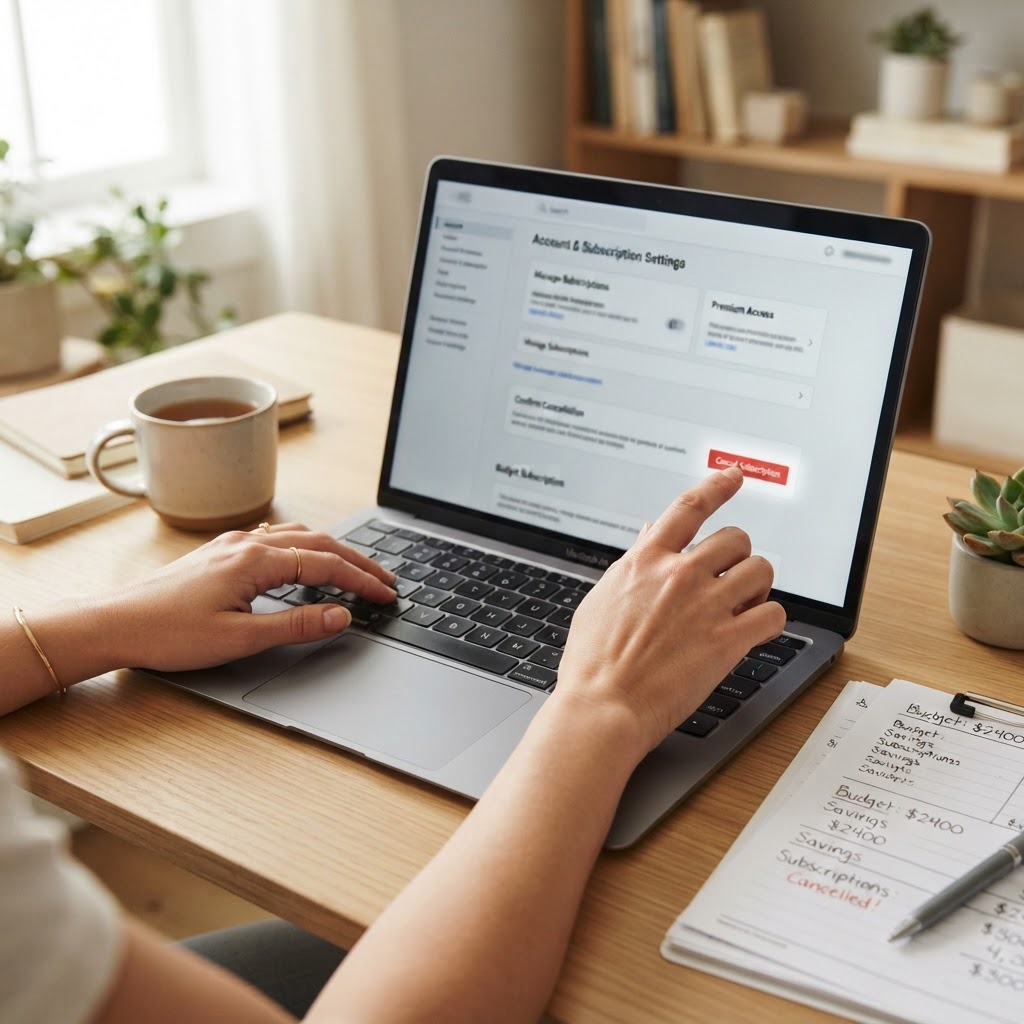
Cancellation is not complete until you see a confirmation screen or email and understand the access end date. Save the confirmation, note the date, and check the next statement. Some services require a separate cancellation step through the app store, phone carrier, or reseller that originally billed you. Removing an app from your phone does not necessarily stop its billing.
Before cancelling storage, password management, website hosting, or business software, export what you need and verify that another person on a shared account will not lose access. If the service offers a downgrade, compare its storage and seat limits with your actual usage. A smaller plan can be safer than abrupt cancellation.
When a Subscription Is Worth Keeping
A good audit does not mean cancelling everything. Keep a paid service when it protects important data, meets a client or compliance requirement, or consistently saves more time than it costs. A low-use service can still be essential, such as a backup tested only during an emergency. Conversely, frequent use alone is not proof of value if a free or already-paid alternative does the job.
For a simple tracking habit, check the list quarterly and set calendar reminders 30 days before annual renewals. For practical ways to evaluate software before committing, see our guide to checking a freelance offer before sharing sensitive details and our client-data privacy checklist. Browse more How-To & Tutorials for straightforward workflow guides.
FAQ
How often should I audit my subscriptions?
Quarterly is a practical cadence for most people. Also review the list before annual renewals or after changing jobs, clients, devices, or household plans.
How do I find subscriptions I forgot about?
Review bank and card statements for at least 90 days, then check app-store purchase histories and payment services such as PayPal. Search unfamiliar merchant names before cancelling, since the billing descriptor may differ from the product name.
Should I choose annual billing to save money?
Only if the break-even date arrives before you expect to stop using the service and the upfront payment fits your budget. Compare the annual price with the monthly rate and consider the cost of reduced flexibility.
Does deleting an app cancel its subscription?
Usually not. Cancel through the original billing channel, such as the provider website, Apple or Google subscriptions, or a reseller, and keep the confirmation.
What should I do before cancelling cloud storage?
Check what is stored, export or move essential files, confirm backups open correctly, and check whether shared users depend on the account. Review the paid-through date and deletion policy before ending access.
Can a rarely used subscription still be worth keeping?
Yes, if it provides essential backup, security, compliance, or emergency access. Decide based on the cost of losing the service and available alternatives, not usage frequency alone.