Digital Tools & Software
Client File Recovery: The 20-Minute Drill That Proves Your Backups Work
Client File Recovery: The 20-Minute Drill That Proves Your Backups Work

☰ Table of Contents
Every freelancer answers the backup question the same way: “Yes, I have backups.” Almost nobody answers the question that actually matters, which is “have you restored anything from them lately?” Those are different skills. Backing up is a setting you switch on once. Restoring is a procedure you have never rehearsed, on files a client is waiting for, usually at 11pm before a deadline.
This guide is a client file recovery drill you can run in about twenty minutes, on a real project, before anything goes wrong. It is not a list of backup apps. The apps hardly matter if you cannot find the right version of the right file when a laptop dies, a sync deletes a folder, or an editor save goes sideways.
Why “I have backups” is not a recovery plan
A backup is a copy. A recovery plan is a known path from “this file is gone” to “here is the file, and here is proof it is the right one.” Three things break that path in real life, and none of them show up in a green checkmark in a backup app:
- You cannot find the file. The backup exists, but it is a 40GB blob with no version labels, so restoring it means downloading everything and hunting.
- You restore the wrong version. You get the file back, but it is Tuesday’s edit, and the client already approved Thursday’s. Nothing warns you.
- The restore does not complete. The drive has a bad sector, the archive is corrupted, the cloud account hit a billing problem three weeks ago. You learn this at the worst moment.
Small studios rehearse this. Solo freelancers rarely do, which is strange, because a solo freelancer losing a client’s source files has no IT department to call and no second person who remembers where anything is. If you already have a handoff process, recovery is the mirror image of it: your client handoff checklist covers giving files away, and this drill covers getting them back.
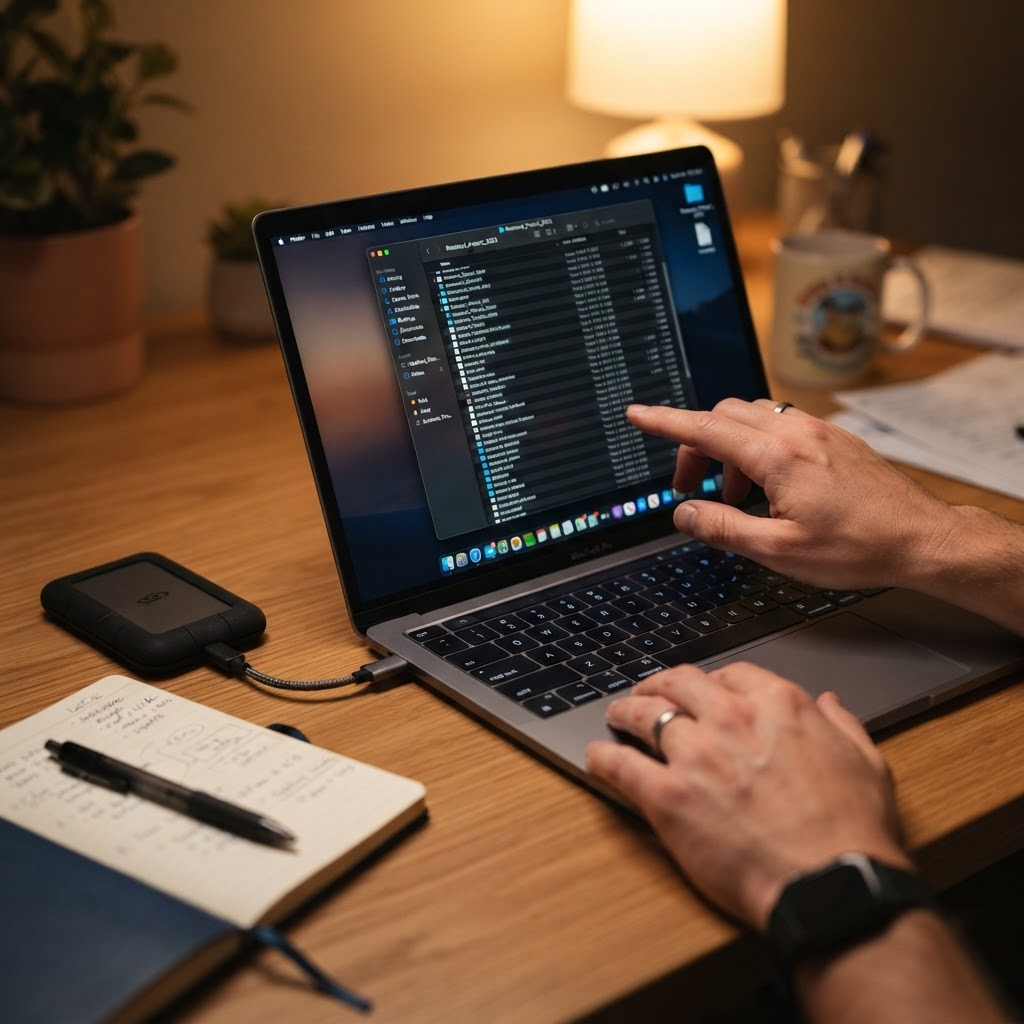
Four places a client file vanishes from
Most recovery failures are not disk crashes. They are ordinary, boring events that happen weekly:
| What happened | Where the file really is | Typical recovery path |
|---|---|---|
| You deleted a folder while tidying the desktop | Trash or recycle bin, then local backup, then cloud trash | Fast, but only if you notice within the retention window (often 30 days, sometimes 24 hours) |
| A cloud sync mirrored a delete or an old version across devices | Version history inside the sync service, not in your file system | Medium: needs the exact filename and a date, which is why naming matters |
| Laptop died or was stolen | Last full backup, possibly days old | Slow: hardware first, then restore, then rebuild the missing days |
| An app overwrote the project file (save crash, bad merge, editor autosave) | Autosave cache, temp folder, or version history of the app | Depends entirely on whether that app keeps versions, which most people never check until they need it |
Notice that only one of those four rows is a hardware problem. The other three are software behaviour, and each one has a different recovery route. A single external drive does not cover any of them well.
The 20-minute restore drill
Run this once per quarter on a finished project. Pick something you delivered a month ago, so a mistake costs nothing.
- Pick one file and one older version of it. Say: the layered design file from three revisions back, or last month’s invoice spreadsheet.
- Delete it from your working folder. Actually delete it. Move it to trash and empty the trash. This is the part people skip, and it is the whole point.
- Start a timer. Find and restore that exact version using only what you would have available at 11pm: your normal apps, your normal logins, no help from a search engine.
- Open the restored file and check it is genuinely the right version. Not “a file came back.” Check a detail you know changed between versions: a colour, a line item, a paragraph.
- Write down the time and the steps. Three or four lines is enough. If the drill took 35 minutes and four guesses, that is your real recovery time, and now you know it.
Most freelancers who try this discover one of two things. Either recovery is easy because their cloud service keeps version history and they never realised how good it is, or recovery is a mess because their “backup” is a single drive that has not been plugged in since August. Both results are worth having now rather than later.
Where your files actually live, and what each place protects
Freelancers usually have three or four copies of everything and still no recovery plan, because the copies protect against different failures. This is the honest breakdown:
| Location | Protects against | Does not protect against | Drill to run |
|---|---|---|---|
| Laptop drive | Nothing on its own. It is the place files disappear from | Everything | None. This is the risk, not the plan |
| External drive (manual or scheduled) | Drive failure, theft, spilled coffee | Fire, theft of both, silent corruption, forgetting to plug it in | Restore one file from it while offline |
| Cloud sync folder (Drive, Dropbox, iCloud, OneDrive) | Device loss, accidental delete, wrong version (via version history) | Sync deleting across devices if history is short, account lockout, billing lapse | Restore a version from 30 days ago using only the web interface |
| Project management or file-sharing tool you use with clients | Client-side disappearance, easy re-download, an audit trail of what you sent | Being your only copy, if you rely on the client’s workspace staying open | Download a full project folder to a fresh machine |
| Archived zip per project, stored in two places | Almost everything, including your own tidying instincts | Corruption in both copies, lost passwords on encrypted archives | Unzip one archive and open the largest file inside |
If a row in that table has nothing in the “drill” column that you have actually done, that row is a guess, not a safeguard. Our guide to client file sharing for freelancers covers the delivery side of the same setup, including what to keep after the project closes.
Version history is the recovery tool you already pay for
The single most useful recovery feature for freelancers is version history, and most people have it already without knowing the details that matter:
- How far back does it go? Some services keep 30 days, some 180, some forever on paid tiers. Free tiers often keep 30 days or less. This number decides how long a mistake stays fixable.
- Does it cover deletions, or only edits? Restoring a file you overwrote is a different operation from restoring a file you deleted, and the two often live in different menus.
- Can you find a version by date and filename, without the app? If recovery requires the desktop app you no longer have because the laptop died, that is a problem.
- Does it work on the whole folder, or only files? Restoring a folder structure from three weeks ago is the scenario you will actually need, and it is the one that is often missing.
Spend ten minutes in the settings of whatever you already pay for and write the answers in a note. That note is worth more than another subscription. A reminder here: check the same things for your email and invoicing tools, since an invoice you cannot re-issue is a recovery problem too, and we covered that pattern in our freelancer invoice tracking system.

The 3-2-1 rule, translated for solo work
The classic rule says three copies, on two kinds of media, with one off site. That sounds like enterprise advice, but translated into freelancer reality it is four small habits:
- Three copies: the working file, the cloud version, and one archive you made on purpose. Not three automatic copies of the same mistake.
- Two kinds of media: your laptop plus a cloud service counts, but a local drive plus the cloud is stronger, because it survives both a dead laptop and a locked account.
- One off site: the cloud covers this unless your only cloud copy is in the same account you sync everything through.
- One tested restore: this is the habit the original rule leaves out, and it is the only one that proves the other three are real.
For a solo freelancer with client work, the practical version looks like this: a project folder that syncs, a nightly copy to an external drive that stays plugged in, a zip archive of each finished project stored in two locations, and a calendar reminder every quarter to restore something.
Telling the client, if it comes to that
If a file is genuinely gone, the conversation matters as much as the recovery. Clients cope badly with vagueness and reasonably well with specifics: what was lost, what is safe, what you are doing about it, and when they will have something usable.
Two rules that keep it short. First, report before they ask, because the version they imagine is always worse than the truth. Second, never say “the files are gone” without saying which files are fine, since the reassuring half of the sentence is the half they will remember. If you keep a per-project archive, this conversation usually does not happen at all, and that is the entire argument for spending eight minutes zipping a project when you close it.
A 15-minute monthly routine
The drill is quarterly. This is the monthly version, done on the first working day of the month:
- 5 minutes: open the archive folder for last month’s projects and confirm each finished project has a zip. Zip anything missing.
- 3 minutes: plug in the external drive, let the copy finish, then unplug it. A drive that stays plugged in is not off site, it is a second victim.
- 4 minutes: open one random client file from the archive and check it opens. Corruption is quiet and only shows up when you test.
- 3 minutes: check the billing status of your cloud account and confirm the version history retention number still matches what you wrote down.
That is the whole system. It costs less time per year than a single late-night recovery attempt, and it turns a scary unknown into a number you know.
What to put in your contract
One short clause protects you better than any tool: state how long you keep project files after delivery, and what happens after that. Something like “source files are retained for 90 days after final payment, then archived or deleted; clients should download all deliverables on handover.”
This does two things. It sets a real expectation, so a client asking for files eleven months later is a request you can price rather than an emergency. And it gives you permission to clean up, which is the only reliable way to keep an archive small enough to actually verify. If you want the rest of the closing-out process in one place, our handoff checklist pairs naturally with this clause.

FAQ
How often should a freelancer test file recovery?
Quarterly for the full restore drill, monthly for a quick check that one archived file still opens. Tools change, drives fail, and cloud billing lapses quietly, so the answer depends on time, not on how careful you feel.
Is a cloud sync folder enough of a backup?
It covers device loss and accidental deletes, and version history covers wrong-version saves, so it is genuinely strong. It is not enough on its own if a sync deletes a folder across every device and the history window has already passed, which is why one deliberate archive copy is still worth making.
How long do cloud services keep version history?
Commonly 30 days on free tiers and 30 to 180 days on paid plans, with some offering longer retention as an add-on. The exact number lives in your account settings, and it is the single most useful fact to write down, because it defines how long your mistakes stay fixable.
What should I do first if my laptop dies with an active client project?
Get the client a status message the same day, before you start restoring. Then recover the last full backup, list precisely which days of work are missing, and only then estimate the delay. Clients handle a documented gap far better than silence.
Should I store client files in the client’s own workspace?
Use it for delivery, not as your only copy. Client workspaces get closed when the engagement ends, and then your access disappears along with your reference material. Keep your own archive.
Do I need paid backup software as a solo freelancer?
Usually not. A sync service, one external drive, and a monthly habit cover most solo work. Paid software earns its money when you have large media files, multiple machines, or a business partner who needs access, and even then the restore drill matters more than the tool.