AI Tools
How to Use AI to Organize Business Receipts Without Trusting It Blindly

☰ Table of Contents
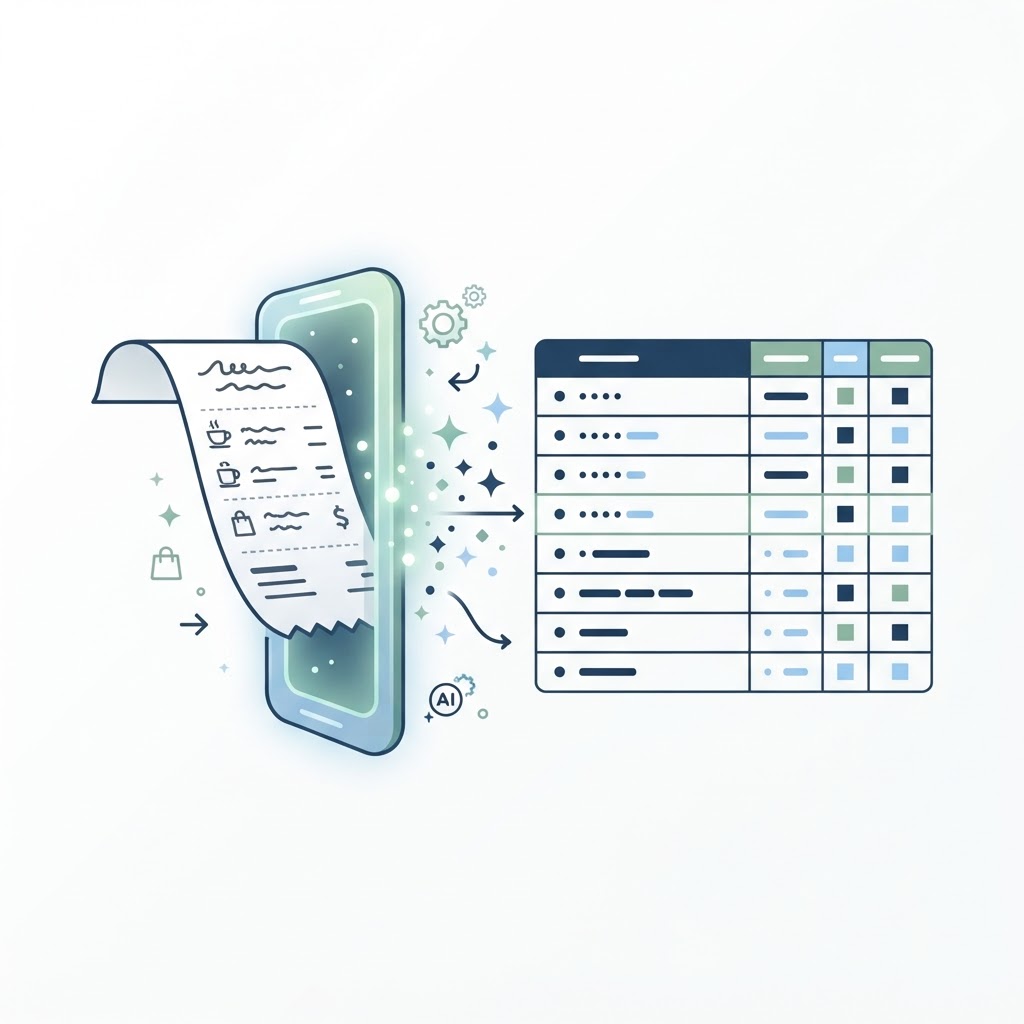
If you want to use AI to organize business receipts, the useful trick is not asking a chatbot to “do your bookkeeping.” It is giving a narrow tool a small, consistent job: extract a few fields from each receipt, put them in a reviewable table, and leave the accounting decisions to you. That distinction saves time without quietly turning a plausible-looking guess into a tax record.
This receipt-to-spreadsheet workflow is for freelancers and small US, Canadian, and European businesses that still collect receipts in email, phone photos, or a downloads folder. It does not replace accounting software or professional tax advice. It gives you a clean intake routine so expenses are easier to review and hand off.
The quiet cost of receipt admin
Receipt entry looks trivial one transaction at a time. Across a month, the job is really a queue: locate the receipt, identify merchant and date, work out what the total includes, choose a category, note the payment method, then match it against a card or bank statement. Missing receipts turn into a second search task. Currency, tax, and refunds make the “quick” spreadsheet less quick.
AI is good at reading repeated layouts and suggesting structured fields. It is not a source of truth. A blurry total, a tip, a VAT line, or a refund can be interpreted incorrectly, and the error may look tidy in a table. Keep the original file, record uncertainty, and review every row before it reaches your books.
A practical success measure is not “AI processed 100 receipts.” It is “I can find every original, spot the few uncertain fields, and reconcile the approved rows to the statement.” If a process cannot do that, automation has only hidden the work.
Build the input folder before asking AI
Start with one folder per month and a predictable filename, such as 2026-10-06_vendor_amount_currency.jpg. Save PDFs and email invoices alongside images. Do not rename away the original attachment, and do not put full card numbers or unrelated customer data into a general-purpose AI chat.
Pick a single spreadsheet with fixed columns. Keep “date on receipt” separate from “posted date” if reconciliation matters. Make tax and currency explicit rather than folding them into a notes field. For a solo operator, a shared Drive or OneDrive folder plus a spreadsheet may be sufficient; a team with approvals or several entities should use its accounting platform’s receipt capture instead.
| Field | What to capture | Review cue |
|---|---|---|
| Receipt date | Date printed on the receipt, ISO format (YYYY-MM-DD) | Check day/month ambiguity and timezone only if timestamped |
| Merchant | Trading name as shown, not a guessed parent company | Compare against card statement descriptor |
| Subtotal, tax, total | Separate values and currency code | Subtotal + tax should reconcile to total, allowing stated rounding |
| Category | Suggested label from your own chart or list | Owner approves; AI never decides deductibility |
| Source and confidence | Filename/link plus low/medium/high or field-level uncertainty | Low confidence means manual check, not auto-fill |
A safer receipt-to-spreadsheet workflow
- Collect first. Save each original receipt to the month folder. Avoid processing directly from a chat history that may be hard to audit later.
- Extract only the fields you need. Use an accounting tool’s receipt feature, or an AI document-extraction tool that can return a table. Ask for verbatim merchant, date, currency, subtotal, tax and total. Require “unknown” rather than inference.
- Keep provenance. Include the original filename or a stable file link in every row. If your tool cannot preserve that, add the link yourself before review.
- Review exceptions before routine rows. Filter for missing totals, unfamiliar merchants, multiple currencies, unusually large amounts, handwritten tips, credits and low-confidence extraction.
- Reconcile and approve. Match reviewed totals to the bank or card statement. Mark duplicates and refunds explicitly. Only then import or copy accepted entries into accounting software.
- Archive a monthly snapshot. Keep the source receipts, reviewed export and a short note of unresolved items together, subject to your record-retention rules.

Use a precise instruction, not “do my expenses.” For example: “Extract only fields visibly printed on this receipt. Return date, merchant, currency, subtotal, tax, total and filename as JSON. If a value is missing or unclear, return null and explain the uncertainty. Do not assign tax treatment or infer a business purpose.” Then validate the output against the source image.
| Receipt situation | AI may propose | Human check |
|---|---|---|
| Clear single-currency receipt | Merchant, date, line and total amounts | Check arithmetic and bank match |
| Cross-border purchase | Printed currency and local tax | Confirm statement currency and conversion treatment |
| Meal with tip | Separate subtotal, tax and tip if itemized | Check tip and business purpose under local rules |
| Refund or credit note | Negative amount or credit indicator | Link to original purchase and bank credit |
| Blurred or partial photo | Flag unreadable fields | Re-scan; never fill a guessed total |
The review rules that catch expensive errors
Use simple checks that do not depend on an AI model: date is present; total is numeric; currency is one of your accepted codes; duplicate merchant/date/amount combinations are flagged; and, where the receipt itemizes values, subtotal plus tax and tip approximately equals total. A formula can flag exceptions without making the accounting judgment.
Do not let “confidence” be a magic number. Ask the model to say which field it could not read, and compare the image yourself. A high overall confidence can conceal a wrong date. For recurring vendors, a merchant alias table helps normalize “ACME CLOUD*MONTHLY” to the vendor you recognize, but keep the raw statement descriptor too.
Tax treatment is jurisdiction-specific. A purchase may be partly personal, subject to special VAT/GST rules, or not deductible. Let the automation suggest a category from your approved list; have the owner or bookkeeper approve the classification. This is especially important for meals, travel, equipment, mixed-use subscriptions and cross-border taxes.
Tool choices, privacy and cost
For a low-volume freelancer, start with the receipt capture already included in your accounting package. It usually keeps the file attached to the transaction and avoids another data copy. If receipts arrive in shared email, use a dedicated folder and an approved connector or document tool with clear access controls. A general chat assistant is better for designing the schema or cleaning a redacted sample than for ingesting an entire inbox.
Before connecting an account, check what data is sent, how the vendor handles uploads, whether team members can view files, how to remove access, and whether your client or employer permits the service. For regulated or sensitive spending, ask your accountant or IT lead first. Restrict access to the expense folder, turn on multi-factor authentication, and avoid sharing bank credentials with extraction tools.
Measure the saved time for one month: minutes spent collecting, reviewing, fixing errors and reconciling. Include subscription fees and the occasional manual correction. If a tool saves five minutes but creates a second system to maintain, it is not a win. A lean tool stack is often easier to control; see our 30-minute SaaS renewal audit for a way to review recurring software costs.
A 30-minute setup you can repeat
In the first ten minutes, make the folder and spreadsheet columns, then choose three real but low-risk receipts. In the next ten, run extraction and compare every field with the source. Write down common failure cases and adjust the prompt or tool settings. In the final ten, add the missing-field and duplicate checks, decide who approves exceptions, and test the export against one statement entry.
At month end, review exceptions, reconcile totals, export approved records and archive the receipts with their source links. Keep an “unresolved” list instead of silently dropping incomplete entries. The goal is not to eliminate judgment. It is to make routine data entry boring, visible and quick enough that you still do the checks that matter.
FAQ
Can ChatGPT read receipts and create an expense spreadsheet?
It can extract visible fields from uploaded images in supported plans, but accuracy varies. Test with non-sensitive samples, require unknown for unreadable values, preserve originals and review every row before bookkeeping.
Is AI receipt scanning accurate enough for taxes?
It can reduce typing, not determine tax treatment. Verify amounts and currency against the receipt and statement, and let the owner or qualified bookkeeper decide categories and tax treatment.
What is the safest format for AI receipt extraction?
Use an accounting tool’s built-in receipt capture where possible. Otherwise send only the minimum required data to an approved document tool, retain source links and avoid sensitive payment details.
How should I handle a receipt with a foreign currency?
Record the printed amount and currency separately. Reconcile the card’s posted amount and follow your accountant’s method for exchange rates; do not have AI invent a conversion date or rate.
Can I automate categorization too?
Let automation suggest a category from a short, owner-approved list, then review exceptions. Deductibility and mixed-use treatment depend on facts and local rules, not the model’s confident wording.
What if AI reads the wrong total?
Keep the original image and a source link, flag arithmetic mismatches, and correct the row before import. If the image is unclear, recapture it instead of prompting repeatedly for a guess.