How-To & Tutorials
Proof of Delivery for Freelancers: The 10-Minute Pack That Ends “I Never Got the Files”
☰ Table of Contents
Nearly every freelancer has had this conversation: the work was finished, the files went out, and six weeks later the client claims they never arrived. Maybe the invoice is now unpaid. Maybe the project is being restarted with someone else. Either way you are being asked to prove something you did casually, at the time, without thinking it would ever matter.
Proof of delivery is the boring discipline that closes that gap. Not a contract clause, not a legal threat — just the ten minutes of recording that turns “I definitely sent it” into a dated file a stranger can check. This guide gives you the exact pack, the email that delivers it, and what each piece of evidence is actually worth if a dispute ever happens.
Why “I Sent It On WhatsApp” Loses Arguments
Delivery through informal channels feels normal because that is where the working relationship lives. It is also where proof goes to die. Four reasons, all of them ordinary:
- No ownership. A link in someone else’s chat app can be revoked, expired, or lost when they change phones. You do not control the record.
- No timestamps you can export. Screenshots of chats are editable and easy to dispute. A timestamp from a system you do not own is not evidence — it is an assertion.
- No identity link. “I sent it to the address in the thread” is fine until three people shared that inbox and nobody remembers who opened the attachment.
- No content record. Even if the message is found, there is nothing tying that attachment to the version you actually produced. Files get renamed and re-saved.
The fix is not paranoia and it is not a paper contract. It is sending the delivery through one channel that produces a permanent record, and keeping your own copy of what went out. If you already do a structured intake and handoff, this is the missing bookend on the other end — our client handoff checklist covers the access-transfer side of the same problem.
The Three Layers of Real Proof
Useful evidence answers three separate questions. Most freelancers only collect the first, which is why disputes get messy.
| Layer | Question it answers | What it looks like in practice |
|---|---|---|
| Record | What exactly was delivered? | An archived copy of the exact files (zip), plus a one-page manifest naming each file and its size |
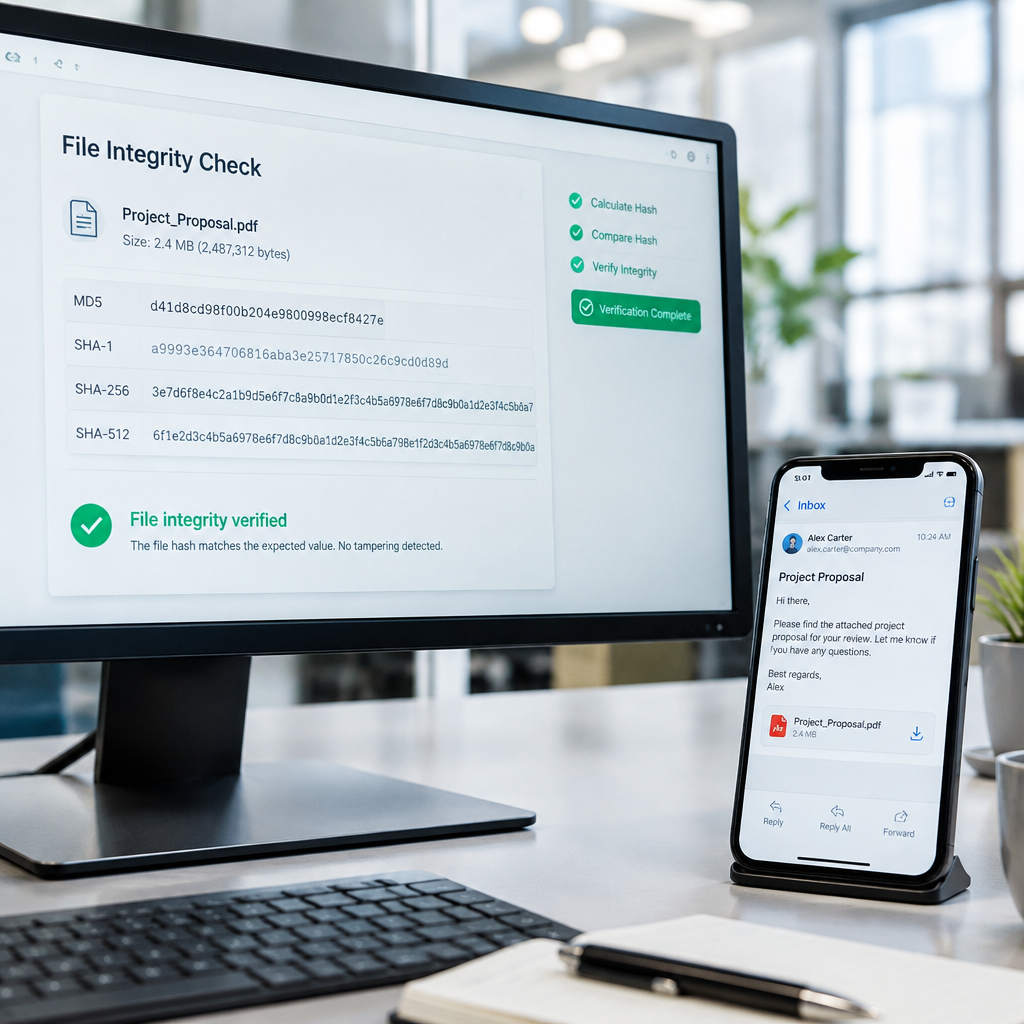
| Identity | Is this the same file you produced, unaltered? | A SHA-256 checksum of the zip, published in the delivery email |
| Receipt | Did it reach them, and can they open it? | A delivery channel with server-side logs, plus a receipt line they reply to |
Layer one alone protects you against “this isn’t the version we approved.” Layer two protects you against “someone edited these files after the fact.” Layer three protects you against “I never received anything.” Together they cover essentially every delivery argument that shows up in freelance disputes — and they take about as long to produce as making coffee.
The 10-Minute Delivery Pack
Do this once per project at the point of final delivery. Keep the numbered steps in a template so you are not reinventing it under deadline pressure.
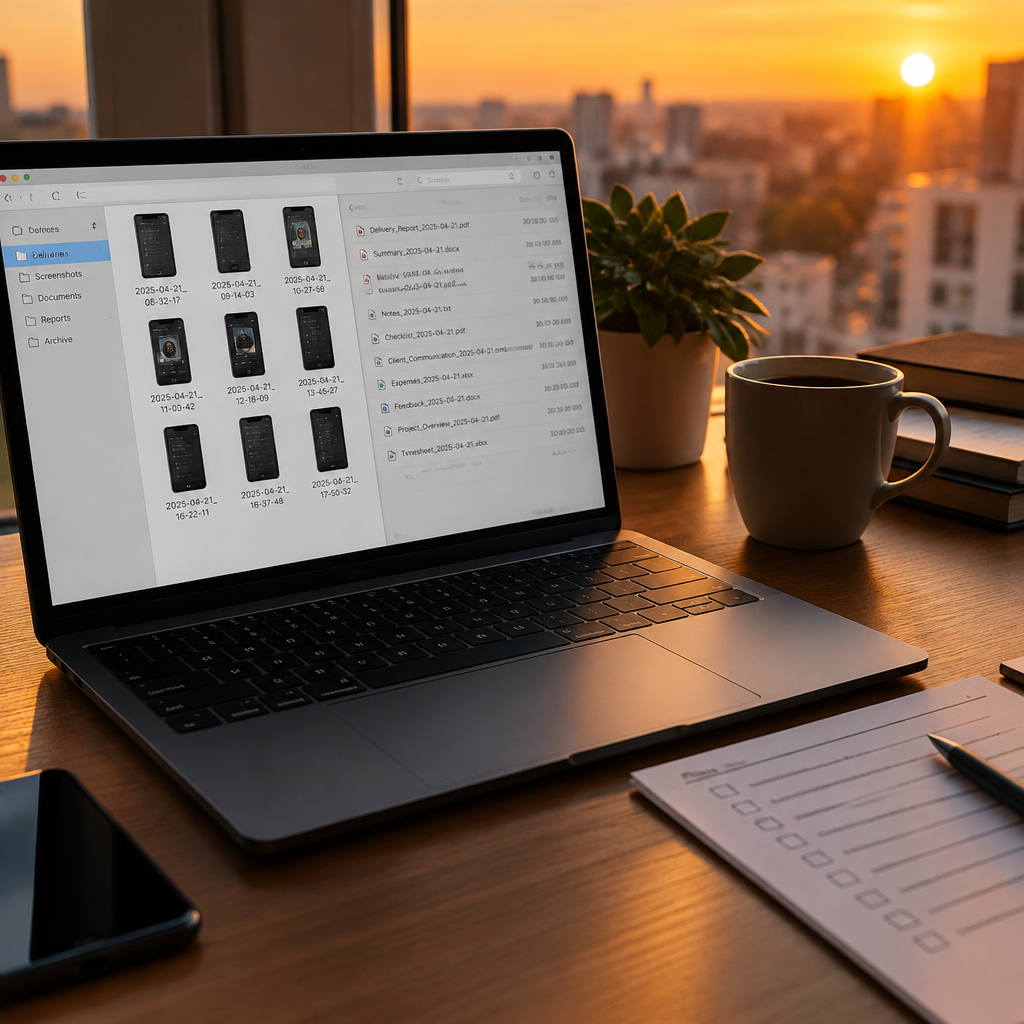
- Freeze the folder. Copy the final deliverables into a folder named with the project and date, for example acme-rebrand-final-2026-11-01. Do not deliver from your working folder; it will contain drafts, notes and client data you should not be sending.
- Write the manifest. One line per file: name, format, what it is for. Ten lines is normal. This document doubles as your invoice attachment and as the client’s quick reference later.
- Zip it. A single archive is easier to verify than a folder of loose files, and it gives you one checksum instead of nine.
- Compute the hash. On Mac or Linux,
shasum -a 256 file.zip. On Windows PowerShell,Get-FileHash .\file.zip -Algorithm SHA256. Copy the string. - Upload to a channel you control. Your own cloud folder or project portal, not someone else’s messaging app. Share a link with view or download permission only, and check the link works in a private browser window.
- Screenshot the upload confirmation. The page showing the file, its size and its timestamp. Cheap, fast, and surprisingly persuasive when attached to an email months later.
- Write the delivery email using the template in section five, with the link, the manifest, and the checksum.
What a File Hash Actually Proves
A checksum is a short fingerprint computed from the contents of a file. Change one byte and the fingerprint changes completely. That property is what makes it useful in a dispute: if the client’s copy produces the same hash as the one in your email, the files are bit-for-bit identical.
It does not prove the work is good, complete, or on time. It proves identity — nothing more, and that is exactly the argument it is designed to win. Compare three common ways people record delivery:
| Method | Proves content identity | Proves receipt | Effort |
|---|---|---|---|
| Chat message with attachment | No | Weakly, if exported | Near zero |
| Email with attachments and read tracking | No | Partly — pixels are unreliable | Low |
| Link plus manifest plus SHA-256 hash | Yes | Yes, via server logs and reply | About ten minutes |
Notice the middle row. Read receipts and tracking pixels are the most overrated evidence in freelancing: they can be blocked, they fire when a preview pane loads, and they say nothing about the files. A hash and a logged download are worth more than a hundred “seen” ticks.
The Delivery Email That Sounds Professional
The tone matters as much as the evidence. The goal is a message that reads like good project management, not like you are building a case. Keep it short and factual:
Subject: Final delivery — Acme rebrand (files inside)
Hi Dana, the final package is ready. Everything listed below is in one archive: [link]. Files: logo suite (SVG, PNG), brand guide (PDF, 18 pages), social templates (12 PNG). Downloading it: click the link, no account needed, link stays live for 90 days.
Archive checksum (SHA-256) in case you want to verify the download: 4f9c…b21a. Just reply “received” when you have it open and I will close the project out and send the invoice.
Three things are doing work here. The manifest proves you know what you shipped. The checksum proves the copy is unaltered. And the reply request creates a receipt without asking for anything unusual — clients answer “received” almost every time because it is one word.
The Confirmation Ladder
If no reply comes, escalate in fixed steps. The point is not to nag. The point is that each step creates a dated record while staying completely reasonable.
| Day | Action | What it creates |
|---|---|---|
| 0 | Delivery email with link, manifest, checksum | Your baseline record |
| 2 | One-line check: “Did the link open for you?” | Notice that they saw a delivery exist |
| 5 | Re-send the same link with the manifest attached directly | Proof you accommodated a channel problem |
| 10 | Short project note: files delivered on date X, awaiting sign-off | Documented, unemotional escalation |
| 14+ | Formal notice referencing delivery date and checksum | Record that supports any later claim |
Two rules keep this clean. Never resend files on a different channel without saying so in writing, and never delete the original upload. A ladder only works if every rung is visible from the top. If the silence is really about money rather than files, the follow-up structure in our invoice tracking and follow-up system picks up where this leaves off.
How Long to Keep the Evidence
Longer than feels necessary. Written-contract claims in most US states run three to six years, and the practical clock is shorter than the legal one because evidence decays. A sensible default for a solo freelancer:
- Delivery emails and manifests: keep for the full claims period, minimum three years. These are tiny files; there is no reason to delete them.
- The delivered archive itself: keep at least 12 months, longer for anything the client may reuse or reprint.
- Upload screenshots and server logs: keep with the project record for three years.
- Raw working files: not evidence, and often the client’s confidential data. Clear them on your normal schedule.
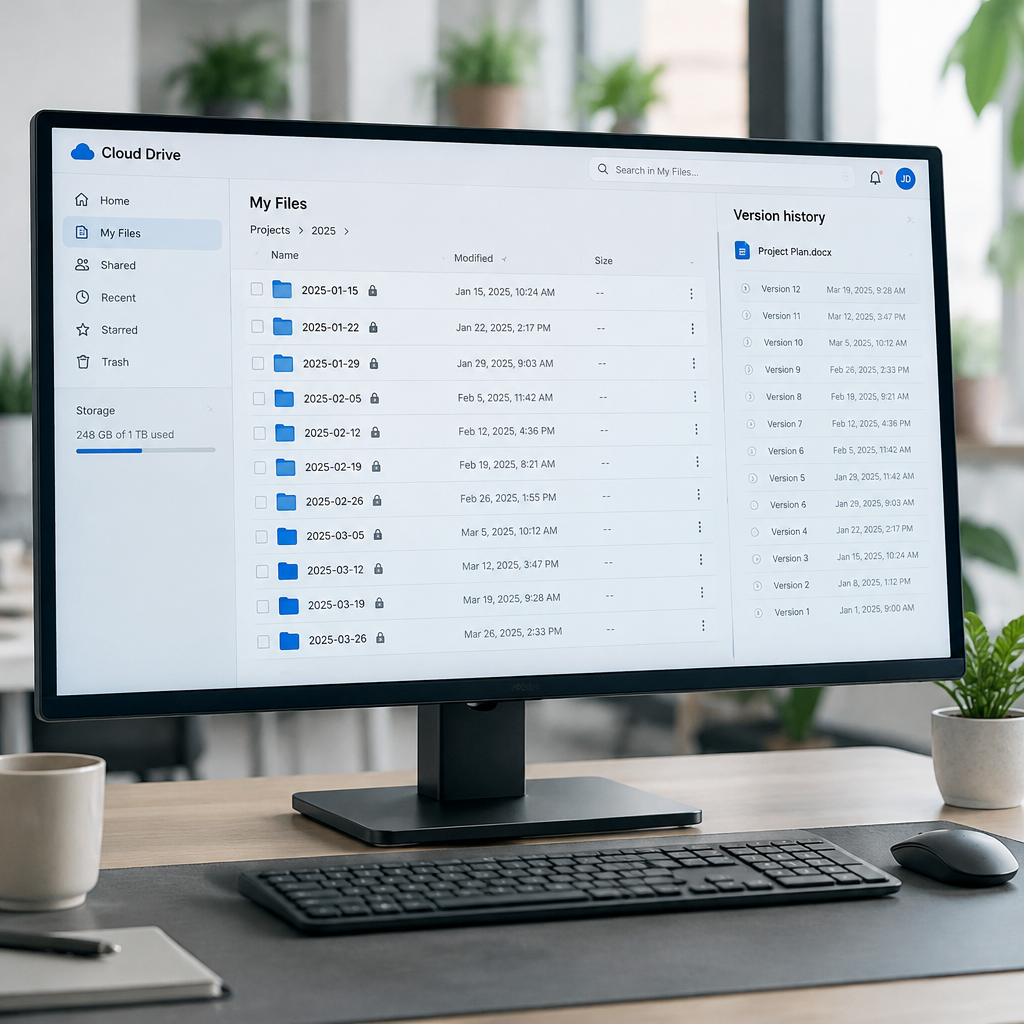
One habit makes all of this painless: a single folder per year, one subfolder per project, containing the manifest, the email export and the screenshots. If you ever need it, you will find it in thirty seconds instead of reconstructing a story from memory.
Set It Up Once, Reuse Forever
The reason freelancers skip proof of delivery is that it looks like extra work on every project. It is not, once it is a template. Build these four things one time:
- A delivery email draft with the three slots: link, manifest, checksum.
- A one-page manifest template with name, format, purpose columns.
- A two-command snippet for hashing, saved where you will actually find it.
- A yearly evidence folder with the project subfolder pattern already in place.
After that, the whole pack costs a few minutes per project and quietly removes the worst kind of freelance risk: work that was genuinely done, genuinely delivered, and impossible to prove three months later. Clients rarely notice the process. The one who was going to argue about it always does — and that is the moment the ten minutes pays for itself.
FAQ
Do I need a signed contract for proof of delivery to matter?
No. Proof of delivery is useful in any disagreement, contract or not, because it establishes facts: what was sent, when, and whether it arrived. A contract just tells you what those facts are worth.
Is a checksum too technical for clients?
Present it as optional. “Here is the checksum if you want to verify the download” reads as professional diligence, not suspicion. Most clients ignore it, which is fine — it is already on record.
What if the client insists on receiving files by chat app?
Send the files where they want them, then send one short email: “Also sent on WhatsApp just now, same archive, checksum below.” You keep the record without turning a preference into an argument.
Can I use a free cloud link instead of paid storage?
Yes, if the link stays live long enough and you screenshot the upload confirmation. Avoid links that expire in seven days for final delivery — expiry is exactly what a dispute will focus on.
Does a read receipt count as confirmation?
Weakly. Read receipts fire on preview loads and can be blocked. A one-word reply, a download from your server logs, or a written approval is far stronger evidence.
What if the client says the files were corrupted?
Ask them to run the checksum on their downloaded archive. If it matches yours, the file they hold is identical to what you sent, and the problem is on their side of the download or their software. If it does not match, re-send immediately — that is genuinely your cue.