Digital Tools & Software
Freelancer File Sharing: A Safer Client Handoff Workflow

Freelancer file sharing is not finished when a link leaves your inbox. The real handoff is whether the right client can open the right version, whether access is limited to the people who need it, and whether you can later show what you delivered. A dependable client file sharing workflow solves those three problems without making every project feel like a security audit.
This guide is for independent designers, developers, consultants and small teams working with clients in the US, Canada and Europe. It focuses on repeatable decisions rather than a particular cloud brand. For related practical software choices, see our Digital Tools & Software guides and our client offboarding checklist.
On this page
Why file sharing breaks at the handoff
Most delivery problems are not dramatic breaches. They are ordinary mismatches: a client receives a preview instead of the final export, an editor link allows changes after approval, a link expires before a stakeholder opens it, or a folder contains working drafts the recipient should never have seen. Those failures cost time and can weaken a dispute over scope or acceptance.
Treat delivery as a small process with three checks: identify the final files, grant only the access needed, and record the handoff. Keep the source project separate from the delivery folder. A client should not have to guess which of six similarly named PDFs is approved.
Choose a delivery method that fits the risk
There is no universally best secure file sharing for freelancers. A public link may be entirely reasonable for a public-facing image pack, while financial records or identifiable customer data deserve named access and a tighter expiration. Consider sensitivity, file size, collaboration needs, and how long the client must retain access.
| Delivery type | Good fit | Check before sending |
|---|---|---|
| Named-account folder | Ongoing collaboration or sensitive project files | Recipient email, viewer/editor role, external sharing setting |
| Restricted download link | Large final exports with a short review window | Expiration, password option, download limits and access log |
| Client-owned workspace | Long-term project records or regulated client environments | Ownership, retention and who administers access |
| Public link | Non-sensitive assets intended for broad circulation | Remove metadata if needed; assume the link can be forwarded |
Do not rely on a password as a substitute for choosing the right audience. If a link can be forwarded freely, the password can be forwarded too. When handling personal information, follow the client’s instructions and applicable contract or privacy requirements; this article is operational guidance, not legal advice.
Set permissions before you send
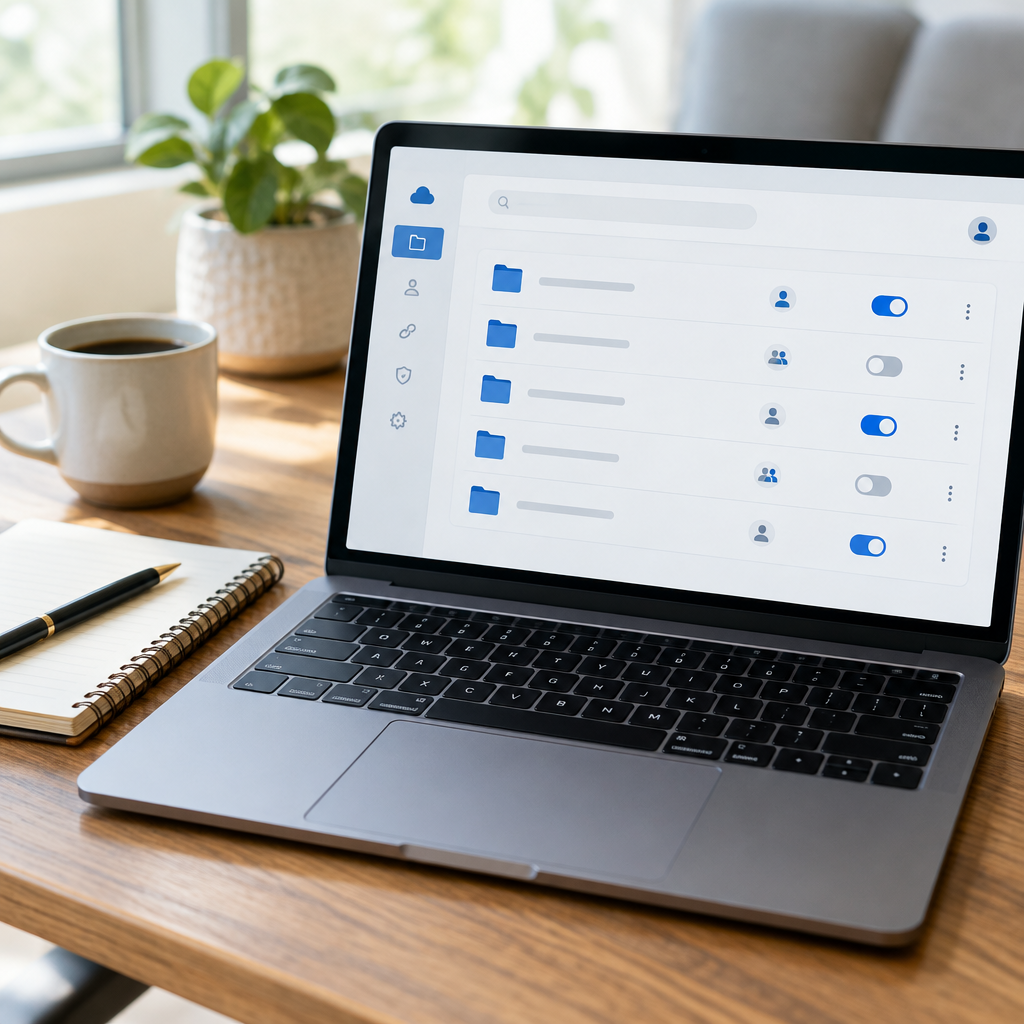
Permission settings are easy to overlook because many services default to whatever was used last. Before copying the link, verify the recipient and role in a private browser window or with a test account when practical. Viewer access is the default for a handoff; use editor access only when the client needs to make changes in the shared source.
| Setting | Safer default | When to change it |
|---|---|---|
| Audience | Specific people | Use a link audience only for non-sensitive materials or approved workflows |
| Role | Viewer / download-only | Editor for active collaboration, then reduce access at sign-off |
| Expiration | Set a reasonable review period | Longer retention if the client needs an archive |
| Folder scope | Share the delivery folder, not your whole workspace | Broader access only where explicitly required |
For a recurring client, create a dedicated project space rather than reusing a general folder. That makes it easier to remove access when a project ends. Our offboarding guide covers the closeout side of that workflow.
Make the handoff verifiable
A delivery record need not be elaborate. Save the sent message or project ticket, list the filenames and versions, state when you shared them, and note the access method. For high-value or time-sensitive work, keep a checksum or a system-generated activity record where available. A checksum is useful for confirming file identity, but most small projects do not need one.
Use unambiguous filenames such as acme-homepage-final-2026-11-05.pdf, not final-final-v7.pdf. Preserve an untouched copy of what was delivered. If the client later requests a revision, create a new version and say what changed instead of replacing the original silently.
A practical workflow by project type
For design work, send flattened previews for review and separate editable source files for the agreed final handoff. For software, use the client’s repository or deployment process whenever possible, and avoid sending credentials in the same channel as the files. For consulting documents, export a clean final PDF and retain the editable working file privately unless the contract includes it.
For larger packages, send a short inventory: filenames, purpose, version, and any required next step. For a sensitive dataset, minimize what you share, confirm the intended recipient through an established channel, and follow the client’s retention and deletion instructions. Never use an unfamiliar transfer site simply because it avoids an upload limit.

Common mistakes that expose files
- Sharing the parent folder: the recipient may see drafts, unrelated client work or internal notes.
- Leaving edit access open: approved work can change after sign-off, and responsibility becomes unclear.
- Sending credentials alongside the deliverable: use an approved password manager or separate secure process.
- Forgetting link lifecycle: check expiration and revoke access when it is no longer needed.
- Using an old contact address: confirm the client’s current account, especially after staff changes.
- Replacing a file in place: preserve delivered versions and clearly label revisions.
What to put in your handoff message
Keep the note simple: “The approved files are in [folder/link]. The folder contains [list]. These are version [X], delivered on [date]. Access is set to [role] until [date, if applicable]. Please reply if anything will not open.” Do not include a password in that same message if the transfer method supports a separate credential channel.
After the client confirms receipt, move the project into your normal archive and follow the agreed retention policy. The best freelance file transfer workflow is one you can repeat under deadline pressure: clean package, least access, clear note, preserved copy.
FAQ
What is the safest way for a freelancer to share files with a client?
Use a client-approved service, share only the project delivery folder, grant named recipients viewer access by default, and set an appropriate expiration. Sensitive data may require the client’s own workspace or a specific contractual process.
Should I use a public link for client files?
Only when the contents are suitable for anyone with the link to access and the client has accepted that approach. A forwarded public link can travel beyond the original recipient.
How long should a shared file link stay active?
Long enough for the agreed review and download period, not indefinitely by default. For long-term records, transfer ownership or archive the files in the client’s approved system.
Should clients get edit access to final files?
Usually not for a final delivery folder. Use editor rights during collaboration when needed, then switch to viewer or provide a separate editable source deliverable if included in scope.
Do I need checksums for every client delivery?
No. A checksum is useful for large, valuable or technically sensitive transfers where confirming exact file identity matters. A clear file list and preserved copy are sufficient for many ordinary projects.
Can I email a password-protected archive?
That can work for some low-risk transfers, but do not send the password in the same email. Check that the client can open the archive and use their preferred secure method for sensitive material.