Online Work & Freelancing
Freelance Project Handoff: A 30-Minute Closeout That Stops Revision Drift

In this guide
A finished project can still turn into unpaid work if the handoff is vague. A client downloads the wrong file, asks where the editable version is, or treats a small follow-up as another included revision. A clear freelance project handoff prevents that confusion by making the final files, acceptance point, and next-step boundary visible in one place.
This closeout process is deliberately small: about 30 minutes once the work is approved. It is not a legal contract or a substitute for the terms you agreed to. Think of it as a repeatable delivery checklist that helps both sides see what was delivered and what happens next. It pairs well with a defined freelance payment schedule, especially when the final invoice is tied to the last milestone.
Why the Handoff Is Where Scope Starts to Drift
During production, everyone can point to the same draft or milestone. At closeout, assumptions multiply: the client expects source files, the freelancer expects sign-off, and neither person knows whether a new request is a correction or a fresh task. A short handoff makes those assumptions explicit without turning a friendly project into a bureaucratic one.
It also protects the client. They should not have to guess which file is final, how to open it, or who owns the next action. The point is not to resist reasonable fixes. It is to separate the promised delivery from work that was never part of the agreed scope.
Define “Done” Before You Export Anything
Go back to the proposal, statement of work, or email where the deliverables were agreed. Write down the exact outputs and the approval condition in plain language. “Three social graphics, delivered as PNG and editable source, with two revision rounds” is more useful than “social package.”
If the brief is loose, do not quietly invent new obligations at the last minute. Summarize what you believe was agreed and ask the client to flag any mismatch. For future projects, make the deliverables, review windows, included revisions, and file formats explicit at kickoff. A clear invoice and vendor packet also helps the administrative closeout happen smoothly.
The 30-Minute Freelance Project Handoff

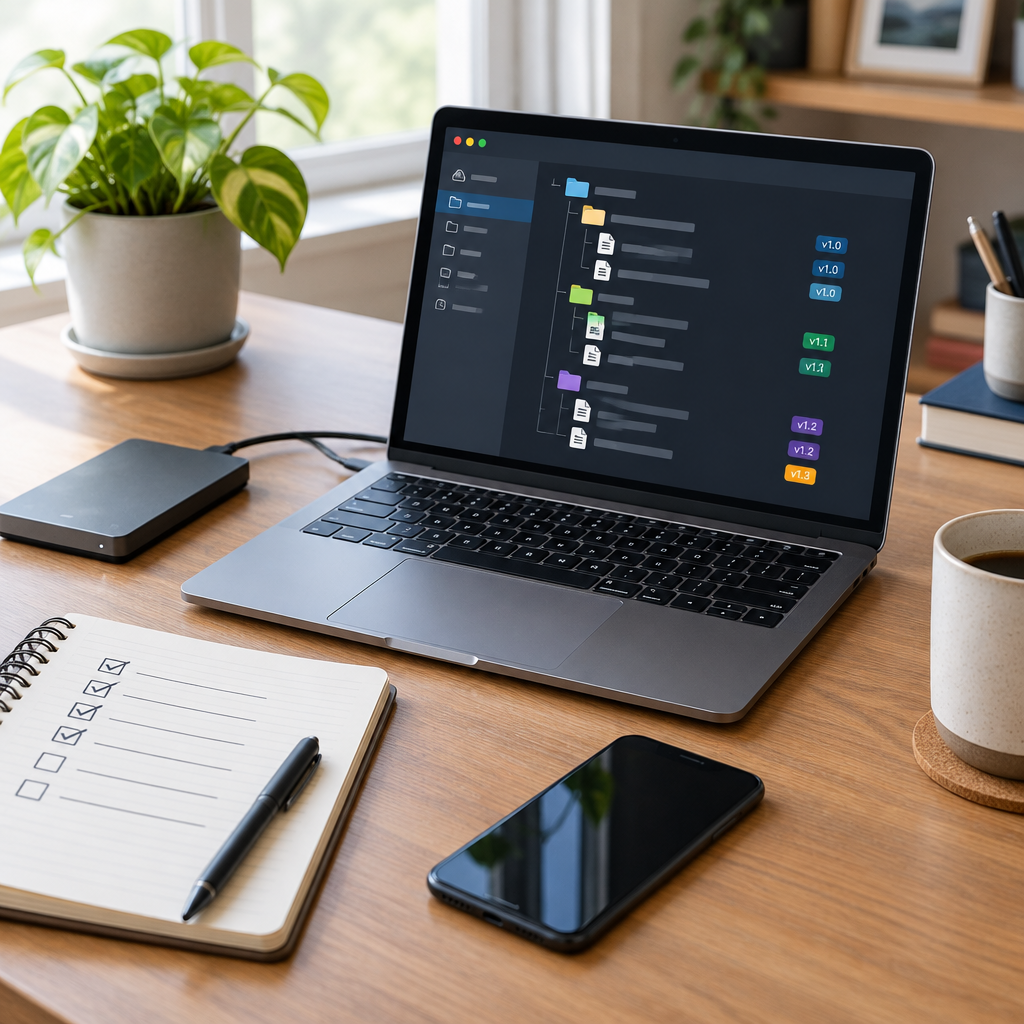
Run this sequence after the client approves the final work, or when your agreed delivery date arrives and the contract defines the next step. Keep the folder structure obvious and send one concise message linking to it.
| Time | Action | Done when |
|---|---|---|
| 0–5 min | Check the agreed deliverables and approval status | Each item matches the brief and any feedback is resolved |
| 5–15 min | Export final files and include the promised editable assets | Files open, names make sense, and formats match the agreement |
| 15–20 min | Organize the delivery folder and remove drafts or duplicates | A client can identify the final version without asking you |
| 20–25 min | Check access permissions and test the download link | The client can open it using their own account or browser |
| 25–30 min | Send the closeout note with deliverables and next action | Approval, payment, or any included support window is clear |
Do not leave the link accessible only to your own account. Open it in a private browser window or use a separate account if available. This catches the common “I sent the folder, but the client cannot access it” failure before it becomes a support thread.
What to Include in the Final Delivery
The right handoff is not the biggest folder. It is the smallest complete set that fulfills the agreement. Use a short readme when the client will need to maintain, edit, or publish the work later.
| Delivery item | Include when | Example |
|---|---|---|
| Final output | Always | Approved PDF, live link, image exports, or deployed site |
| Editable/source files | Promised in scope or needed for the client’s next step | Design source, spreadsheet model, project files |
| Usage notes | The output needs setup, publishing, or maintenance | Export settings, login handoff route, short update instructions |
| Asset and license notes | Third-party fonts, stock media, plugins, or other licensed assets are involved | Asset list, license link, renewal or usage limits |
| Closeout summary | Every project | What shipped, what remains outside scope, and the next action |
Never send passwords in a plain email or bundle credentials into an ordinary folder. Use a secure transfer method approved by the client, and transfer ownership or access through the service’s own account controls. If your scope excludes source files or third-party licenses, say so plainly rather than implying they are included.
A Handoff Checklist by Project Type
Different work has different failure points. Use this as a final scan, not a reason to add deliverables that were never agreed.
- Design: confirm the final export dimensions, color mode if relevant, editable file status, linked assets, and any font or stock licensing limits.
- Writing: deliver the approved copy in the agreed format, identify the final version, include source links or citations if part of the brief, and state whether upload or publishing was included.
- Web or software: identify the live environment, document what changed, transfer access through the client’s system, and note any known dependencies or maintenance excluded from the project.
- Research or consulting: distinguish findings from recommendations, link supporting sources, state the date range covered, and make clear which follow-up analysis was not included.
Close the Revision Loop Without Sounding Defensive
Put the boundary in operational language. Avoid “I won’t do more work” when what you mean is “the agreed delivery is complete; I can quote the next request.” A calm, specific note is easier to act on than a defensive paragraph.
If you notice a genuine defect against the approved brief, own it and correct it. If the client has a new preference or asks for another deliverable, acknowledge the request and explain whether it fits the remaining included revision round. When it does not, offer a separate estimate and timeline. Keep the original delivery link and acceptance record intact so nobody has to reconstruct the project history.
A Simple Closeout Message You Can Adapt
Hi [Name], the approved [project/deliverable] is ready here: [link]. The folder includes [key files]. I’ve checked the link and the files open correctly. This completes [agreed milestone/deliverable]. The remaining step is [approval / final invoice / access transfer]. If you’d like [new request], send the details and I’ll confirm the scope and timing separately. Thanks for working together.
Change the bracketed details and remove anything that does not apply. If the project includes a defined support period, add its dates and what it covers. If payment is still due, refer to the agreed invoice terms rather than suggesting a payment condition that was never discussed.
FAQ
What should a freelancer include in a project handoff?
Include every agreed final deliverable, promised source files, access or usage instructions the client needs, relevant license notes, and a short statement of what is complete and what happens next.
When should I send the final files?
Follow the milestone and payment sequence in your agreement. Some projects require final payment before source files transfer; others define delivery and payment differently. Do not assume a universal rule that conflicts with your terms.
How do I handle a client asking for one more revision?
Compare the request with the agreed revision rounds and approved brief. If it is a correction to your work, fix it. If it changes direction or adds work beyond scope, explain that distinction and offer a separate estimate.
Should I include editable files?
Only if the agreement includes them or you decide to add them. State clearly whether the client receives editable/source files and whether any third-party assets carry separate usage terms.
How do I make sure a shared-folder link works?
Check the sharing permissions, open the URL in a private browser window, and confirm the client can download the files without signing into your account.
What if the client does not confirm receipt?
Keep the delivery message and timestamp, then send one concise follow-up through the agreed channel. Use the acceptance or response window in your contract, rather than treating silence as approval unless your terms say so.