Online Work & Freelancing
Client Offboarding: The 20-Minute System That Wins Repeat Work
Client Offboarding: The 20-Minute System That Wins Repeat Work

☰ Table of Contents
Every freelancer has an onboarding ritual: kickoff call, questionnaire, shared folder, welcome email. Almost nobody has a client offboarding ritual. The project ends, the invoice goes out, and the client quietly becomes a stranger. Then we spend the next slow month hunting new clients because the last five are sitting in our inbox, one polite sentence away from hiring us again.
Repeat clients are the cheapest revenue in this business. There’s no cold outreach, no proposal competition, no trust-building from zero. Yet the average freelancer invests hours into winning a stranger and not one deliberate minute into keeping the people who already paid them. This guide is the fix: a 20-minute offboarding checklist you run at the end of every project, with the exact handover email that gets replies.
The Most Profitable 20 Minutes in Freelancing
Think about what actually happens at the end of a project. You’re tired, the excitement moved to the next deadline weeks ago, and “wrap-up” feels like a formality. That’s exactly why it’s valuable: almost nobody does it well, so the bar is on the floor.
The math is blunt. Landing a brand-new client typically takes an intro, a discovery call, a proposal, a negotiation and a yes. Landing a past client takes one email at the right moment with one useful idea in it. Same revenue, a fraction of the effort. If you keep a simple offboarding checklist for even half your projects, your pipeline starts filling itself.
Offboarding also protects the work you already did. Delivered files scattered across three tools, credentials nobody revokes, a client who isn’t sure what they own — all of that comes back as support emails, disputes and refunded goodwill. The checklist prevents every one of those.
What Happens Without One
The failure is silent, which is why it survives. Here is what a no-offboarding ending looks like from the client’s chair, compared to a properly closed project:
| Moment | No offboarding | With offboarding |
|---|---|---|
| Final delivery | Files in a chat thread somewhere | One organized handover with a written summary |
| Two weeks later | Client can’t find that one file, texts you at 10pm | Client knows exactly where everything lives |
| A month later | They’ve half-forgotten who did the work | They got a useful check-in, you’re still “their person” |
| Their next project | They ask their group chat for recommendations | They email you first |
| Your quiet season | Cold outreach and marketplace bids | Three warm emails to past clients |
Notice the pattern: nothing on the right column costs money. It costs attention, once, for twenty minutes.
The 20-Minute Offboarding System
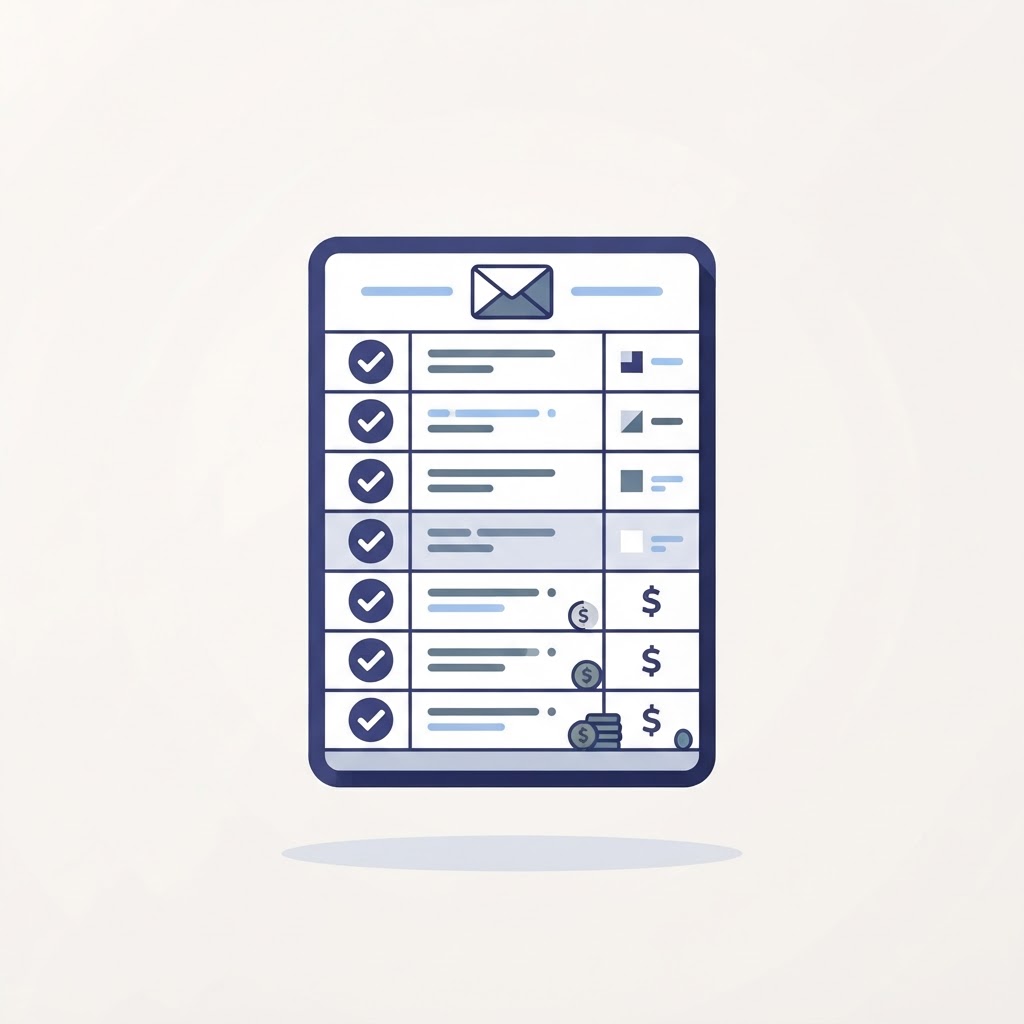
Run these five steps at the end of every project. The timing next to each is a realistic budget, not a wish:
| Min | Step | What it actually involves |
|---|---|---|
| 5 | Assemble the handover | One folder: final files, source files, assets, passwords document, and a one-page project summary in plain language |
| 3 | Write the wrap email | Summary of what was delivered, what you recommend next, and what the client owns |
| 4 | Do the security sweep | Revoke your own access: shared drives, dashboards, admin panels, passwords, API keys |
| 3 | Close the loop internally | Log the project in your own notes: what went well, what to price differently, testimonial status |
| 5 | Set the follow-up date | Put one recurring reminder in your calendar — usually 4-6 weeks out |
Five steps, twenty minutes, one folder, one email, one reminder. If you do nothing else in this guide, do this table. If you want the repeatable-process mindset behind it, our guide to writing a one-page SOP shows how to turn any routine like this into a document you follow on autopilot.
The Handover Email That Gets Replies
The wrap email is the heart of client offboarding. Keep it short — clients skim. Here is a skeleton you can adapt in three minutes:
Hi [Name] — project’s wrapped. Everything is in this folder: [link]. It contains the final files, the editable source files, and a one-page summary of what we built.
Two suggestions for the next 3 months: [specific idea 1], [specific idea 2]. Happy to help with either when you’re ready.
Invoice #123 is paid in full, and all my access to your accounts has been revoked as of today.
Thanks for a great project. I’ll check in around [month] with anything useful I spot.
Why it works: it answers the three questions every client quietly has (what did I get, what should I do now, are we done cleanly), it plants the next project without pitching, and it sets the expectation of the check-in so your follow-up email later isn’t a surprise. Sending it within 48 hours of the final delivery is what separates a professional close from a fade-out.
Files, Access and the Security Sweep
The step most freelancers skip is revoking their own access. It feels harmless to keep admin rights to a client’s dashboard “just in case”. It isn’t. If anything breaks months later, guess whose login is in the audit log. Revoking access isn’t distrust — it’s what a clean handover looks like, and saying so in the wrap email makes you look MORE professional, not less.
Work through the list top to bottom: shared drives and folders, hosting and domain panels, CMS admin accounts, analytics and ad accounts, password vault entries you hold for them, third-party tools (email, scheduling, forms), API keys and personal access tokens, and any device-level logins on their equipment. Password managers make this fast — if you’re still juggling client credentials in a notes app, our guide to running a proper tool trial shows the one-week test method that works for any software category.
On the file side, include source files even if the client can’t open them. Six months from now they may hire someone else, and “do you have the originals?” is a phone call you want to answer in ten seconds with a folder link. Handing over editable files is the difference between a client who feels they own their brand and one who feels locked to you. The first feeling wins repeat work; the second quietly loses it.

Turning Goodbye Into a Next Project
The check-in you scheduled in step five is where the money is. The rules are simple: useful, brief, and never a pitch. One idea per email, tied to something you actually noticed in their business, sent 4-6 weeks after delivery when the new work has had time to show results.
Examples that work: “Saw [competitor] started doing X — your setup from our project is ready for that, 2 hours of work if you want it.” Or a genuinely useful resource with one line of context. The pattern is giving, not asking. Ask for nothing for two check-ins in a row and the third can be a direct offer, because by then it lands as help from a known expert instead of a sales email from a stranger.
Keep a simple tracker: client, project, check-in dates, result. Ten rows is a pipeline. This is also why the internal close-out step matters — if you’re running client calls with an AI notetaker, our AI meeting note-takers guide covers how to keep those transcripts findable months later, which is exactly when check-in gold hides in them.
When a Project Ends Badly
Offending projects still deserve offboarding — shorter, colder, and just as complete. Deliver everything you made, revoke everything you hold, document what was delivered against what was in scope, and put the disagreement in writing once, neutrally, without blame. Then stop.
The quiet benefit: projects that end badly are the ones where a clean record protects you. If payment stalls, your handover folder and wrap email are the evidence of a completed, delivered, professional engagement. Freelancers who close badly-ended projects properly get paid more often than the ones who storm off with the source files — and occasionally, the client who was furious in March is the referral in October, because everyone else in their network handled it worse than you did.
FAQ
What is client offboarding?
The deliberate close of a finished project: an organized handover of files and access, a wrap email, and a scheduled follow-up. It’s the mirror of onboarding, and the step that turns one project into a repeat client.
How long should offboarding take?
About 20 minutes for most client projects: 5 to assemble the handover, 3 to write the email, 4 for the access sweep, 3 for internal notes, 5 to schedule the follow-up. Larger projects need more, but the structure stays the same.
What should a freelance goodbye email include?
Four things: where everything is, what the client owns, one or two specific suggestions for their next steps, and when you’ll check in. Keep it under 150 words; clients skim wrap emails like everything else.
When should I follow up with a past client?
Four to six weeks after final delivery, then every couple of months if the relationship is warm. Each email should carry one genuinely useful idea, not a discount or a pitch for the first two check-ins.
Should I keep access to a client’s accounts after a project ends?
No. Revoke everything of yours once the handover is accepted, and say so in the wrap email. Keeping access “just in case” is a security and liability risk that no convenience justifies.
Does offboarding work for small one-off projects?
Yes, in miniature: a tidy delivery folder, a three-line email, a calendar reminder. Two minutes, not twenty. The habit matters more than the size of any single project.