Digital Tools & Software
How to Cancel Software Subscriptions Without Losing Your Work
How to Cancel Software Subscriptions Without Losing Your Work

☰ Table of Contents
A freelancer can cancel a tool and still lose a client file, a template, or the only copy of a project. The risky part of cancelling software subscriptions is rarely the button. It is the chain of storage, ownership, collaborators and renewal dates attached to the account. A short audit before you cancel protects the work and makes a real dent in recurring costs.
This practical software subscription audit is designed for independent workers, small teams and households in the US, Canada and Europe. It covers how to find recurring charges, decide what to keep, export your data, and cancel without accidentally deleting something you still need.
Start with the charge, not the app list
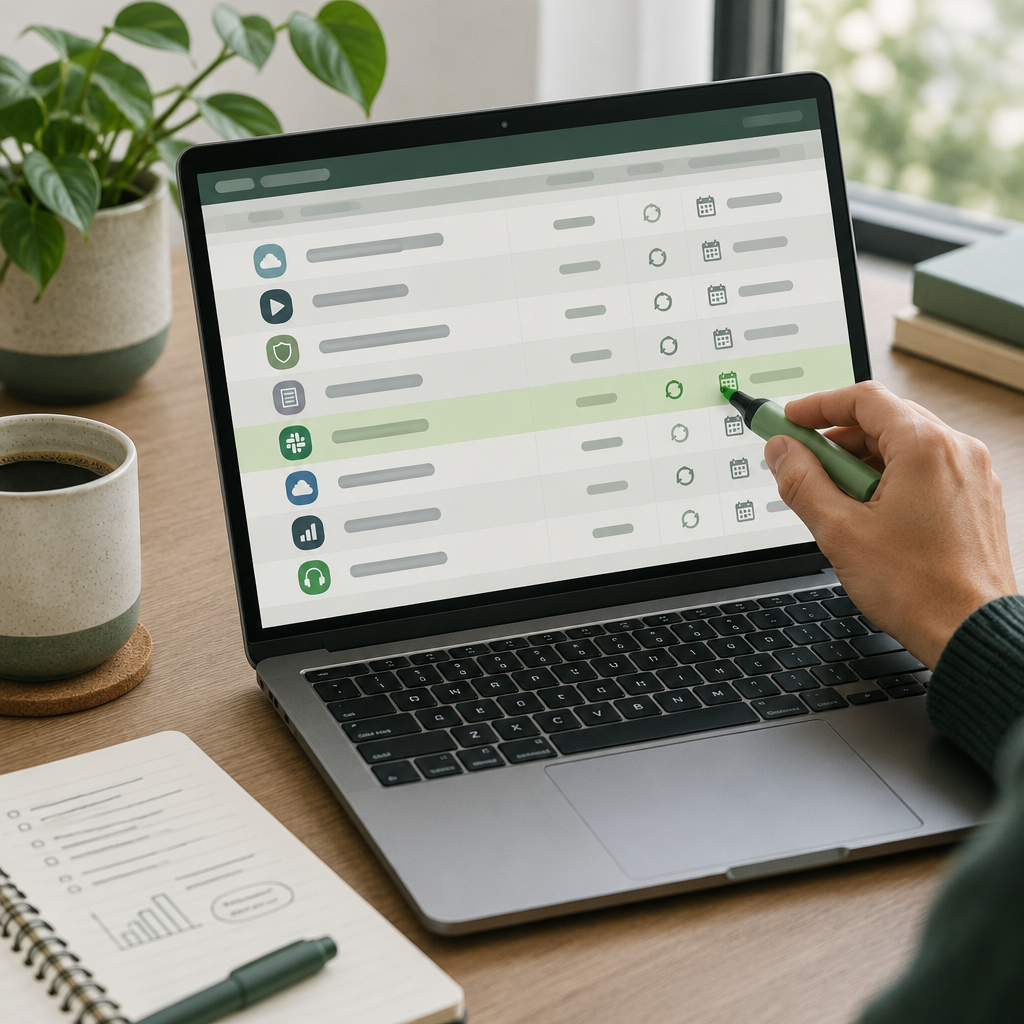
Make one list from bank and card statements, PayPal activity if you use it, and the app stores on your phone. Search at least 90 days because annual plans often disappear from a monthly scan. Record the merchant description exactly as it appears, the amount, billing frequency, next renewal date, and which card or account is charged.
Then match each charge to the actual product and account owner. A charge labelled with a parent company may cover several products; an app-store subscription may be managed outside the vendor’s website. Don’t cancel a suspicious-looking charge until you identify it.
Use a keep, pause or cancel test
For each tool, answer three plain questions: Did I use it in the last 30 days? Is there work or data inside it that I need? Would replacing it cost more time than the subscription saves? If the first answer is no but the second is yes, export and migrate before cancelling. If all three answers are no, cancellation is usually straightforward.
| Signal | Likely action | Check before acting |
|---|---|---|
| Used weekly; work depends on it | Keep and review plan tier | Could a lower tier cover the same workflow? |
| Useful seasonally; no current project | Pause or downgrade | Does pausing preserve files and settings? |
| Unused; no unique data | Cancel | Confirm renewal date and cancellation terms |
| Unused, but contains client assets | Export and migrate first | Verify the export opens and is complete |
Export the parts that are easy to forget
Look beyond the obvious project file. Export invoices for bookkeeping, brand kits, saved templates, contact lists, automation recipes, comments and version history if you rely on them. Check whether the vendor offers a portable format such as CSV, PDF, SVG or original project files rather than a flattened preview.
For shared work, identify the account owner. A team member’s personal account may own a workspace even when the business paid. Transfer ownership or invite a second administrator before closing it. For cloud storage, compare the export’s file count and size with the original, then open a sample of important documents.

A 15-minute cancellation checklist
- Find the renewal date and cancellation route, including app-store billing.
- Download the files and invoices you need.
- Transfer ownership of shared workspaces and update recovery contacts.
- Remove integrations that will no longer work, such as scheduled automations.
- Cancel or downgrade, then save the confirmation and check that renewal is off.
- Set a calendar reminder a few days before the next billing date to verify the final charge.
Take a screenshot or save the confirmation email as a record. If a service offers a cancellation survey, you can skip it; don’t accept a retention offer unless the revised price and term are clear.
What to check in the fine print
Cancellation and deletion are not always the same event. Some vendors keep a read-only account until the paid period ends; others restrict exports after downgrading. Find out how long your data remains accessible, whether a trial converts automatically, and whether a discount restarts a longer commitment.
| Plan detail | Why it matters | Safe move |
|---|---|---|
| Annual renewal | Missing the date can mean another full term | Set a reminder 7-14 days ahead |
| Storage limit after downgrade | Files may become read-only or inaccessible | Export first and check file count |
| Team-seat ownership | Removing an admin can strand a workspace | Transfer ownership before closing |
| Regional cancellation rules | Consumer rights and notice periods vary | Read the terms for your country |
In the EU and UK, consumer cancellation rules can differ from business subscriptions. In the US and Canada, terms may vary by state or province and by how you subscribed. Treat the vendor’s current terms and local consumer guidance as authoritative; this guide is an operational checklist, not legal advice.
Build a lightweight renewal system
A spreadsheet is enough. Keep one row per subscription with vendor, purpose, owner, cost, billing cadence, renewal date, payment route, data location and decision. Review it quarterly, and whenever a project ends or a team member leaves. A recurring calendar reminder is often more dependable than another subscription-management app.
For a starter workflow, categorize each cost as essential, occasional or replaceable, then sort by annualized cost. Monthly charges can look small while quietly consuming a meaningful part of a freelancer’s software budget.
When a free alternative is not actually cheaper
Before switching, price the migration: learning time, rebuilding templates, moving collaborators and lost integrations. A free plan with strict export limits can cost more in hours than keeping a low-cost paid tier. Test the alternative with a non-critical project first and keep the old account active until the new workflow is proven.
Frequently asked questions
How often should I audit software subscriptions?
Quarterly is a sensible rhythm for freelancers. Do an extra review when a project ends, a team changes, or a trial begins.
Should I cancel before exporting my files?
No. Export and verify the files first. Some plans restrict access or downloads after cancellation or downgrade.
Will cancelling delete my account immediately?
It depends on the vendor. Cancellation may stop renewal while access continues through the paid term, but account deletion can be a separate and irreversible action.
What if I cannot find the subscription in the vendor account?
Check Apple or Google subscriptions, the payment processor, and other email addresses used for sign-up. Match the statement descriptor before disputing or cancelling a charge.
Is pausing better than cancelling?
Only if the service preserves the data and the pause has a clear end date. Verify what remains accessible and whether billing resumes automatically.
Can I cancel a subscription paid for by my employer or client?
Confirm who owns the account and get the account holder’s approval. Transfer business data and shared assets before changing access.