AI Tools
AI Meeting Transcription: A Privacy-First Test for Freelancers
AI Meeting Transcription: A Privacy-First Test for Freelancers

☰ Table of Contents
AI meeting transcription is easy to judge badly. A clean product demo can hide the failures that cost a freelancer time: a speaker gets mislabeled, a tentative idea becomes a firm commitment, or a recording bot joins a sensitive call without the client’s clear consent. The useful question is not “Did it produce a transcript?” It is “Can I safely turn this messy call into work I can stand behind?”
This privacy-first test is designed for independent consultants and small teams in the US, Canada, and Europe. It helps compare AI meeting transcription tools using the same realistic call, the same accuracy checks, and the same review of storage, retention, and price. It is not a ranking or a legal opinion. Policies change, so verify the current terms for your account and location.
The question is not whether it can transcribe
A transcript can look polished while being operationally wrong. Names may be attached to the wrong sentence; “we could ship Friday” may be summarized as “ship Friday”; a currency amount may lose a zero. Those errors matter more than a slightly awkward sentence when you are writing a proposal or sending a decision recap.
Separate the tool’s jobs: capture intelligible audio, distinguish speakers, preserve uncertainty, find decisions, and let you correct or delete the record. A vendor can be strong at one and weak at another. Keep the raw recording, transcript, and generated summary distinct in your evaluation.
Build a realistic test call
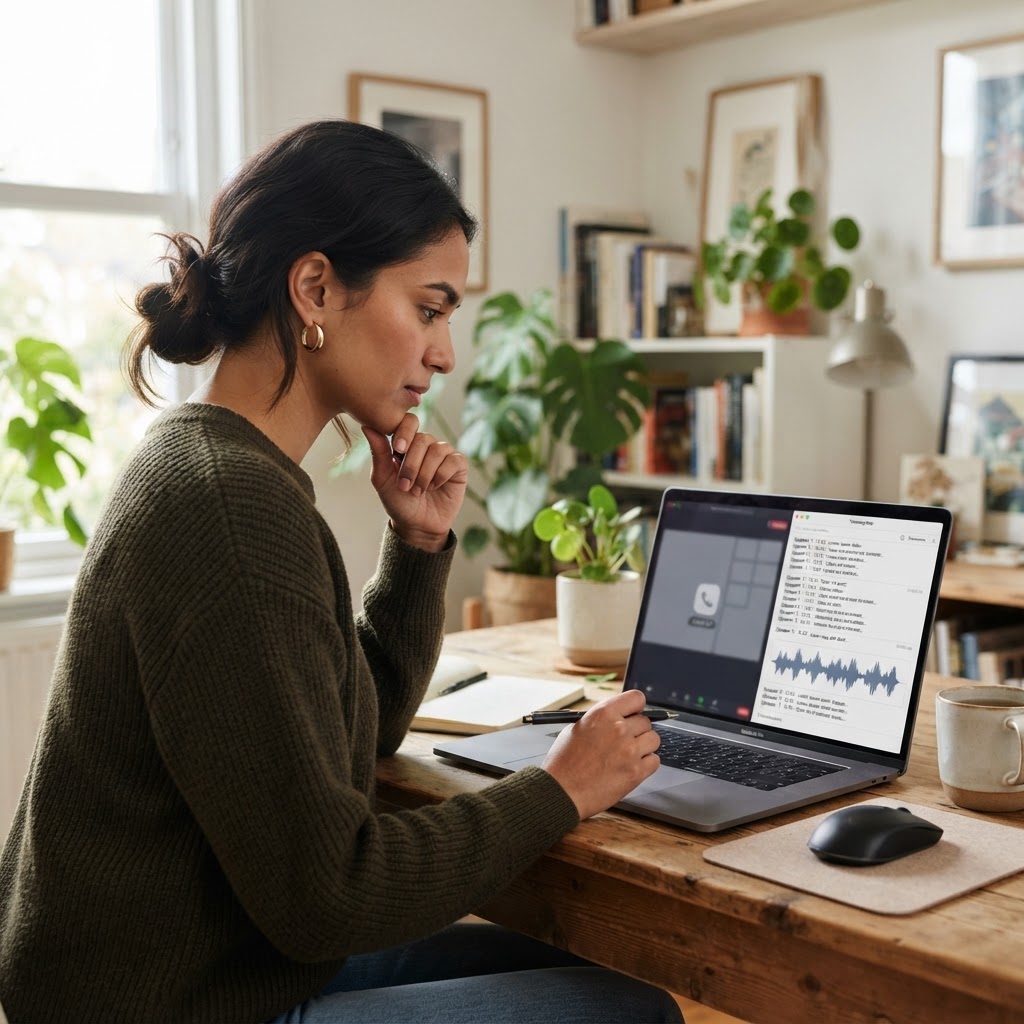
Use a short, consented mock call rather than a private client recording. Ask two colleagues to speak naturally for 12–15 minutes, with permission to record. Include overlapping speech, one interruption, a name, a date, a number, a correction, and an unresolved proposal. Have one person say “I’ll check” rather than agreeing, then see whether the summary preserves that distinction.
Keep a reference sheet of what was actually said. Run the identical audio through each candidate at the same settings. If the tool only works as a meeting bot, test its joining notice and participant controls separately; don’t quietly record real clients for a benchmark.
| Test moment | What to inspect | Why it matters |
|---|---|---|
| Two voices overlap | Speaker labels and missed phrases | Misattribution can turn a suggestion into your promise |
| Names, dates, amounts | Exact spelling and digits | These details travel into invoices and schedules |
| “Maybe” versus “yes” | Summary certainty and action items | Good notes preserve uncertainty |
| Correction mid-sentence | Whether final value replaces the mistaken one | Prevents stale details from surviving |
Score the output, not the demo
Score each category from 0 (unusable) to 2 (usable with light editing). Do not let a confident-looking AI summary earn credit unless you checked it against the source. A single critical error in a name, commitment, or amount should trigger a manual-review requirement, whatever the average score.
| Measure | 0: poor | 1: edit | 2: usable |
|---|---|---|---|
| Transcript | Wrong meaning | Edits | Minor fixes |
| Speakers | Often mixed | Sometimes mixed | Correct |
| Actions | Misses tasks | Verify | Accurate |
| Export | Difficult | Extra steps | Easy |
Privacy checks before the first recording
Before recording, tell participants what is being captured, why, who can access it, and how long you plan to keep it. Follow the applicable recording and privacy rules where you and the other participants are located. Consent requirements differ across jurisdictions and contexts; if a call is sensitive or the rule is unclear, do not record until you have checked authoritative guidance or obtained appropriate advice.

Read the current vendor documentation for audio retention, transcript retention, deletion, model-training use, subprocessors, data location, and admin controls. A toggle labeled “private” is not a substitute for understanding what it covers. Test deletion with a disposable sample, then check what remains in exports and trash. For client work, use the least access and shortest retention that still supports delivery.
For broader workflow setup, see our How-To & Tutorials guides and the existing messy client-call note-taker guide.
Compare the costs that actually matter
Compare the bill against your expected use, not the headline monthly price. Check whether limits apply per user, per recording hour, or per workspace; whether transcription and AI summaries share a quota; and whether annual billing, extra storage, or team seats change the total. Pricing and plan names change, so use the vendor’s current pricing page before purchasing.
| Cost question | What to check | Simple estimate |
|---|---|---|
| Meeting volume | Included hours and overage policy | Typical monthly hours × plan rate or quota |
| Team access | Seat minimums and guest permissions | Required paid seats, not just active users |
| AI features | Whether summaries consume separate credits | Expected summaries per month |
| Retention/export | Storage caps and export availability | Cost of keeping only needed records |
A seven-day evaluation plan
- Day 1: Write down your must-haves: language, meeting platform, export format, and deletion controls.
- Day 2: Run the same consented mock call on each candidate.
- Day 3: Compare names, numbers, speaker labels, and uncertain statements against your reference sheet.
- Day 4: Edit a summary into a client-ready recap and note the minutes spent correcting it.
- Day 5: Inspect permissions, retention settings, and the deletion path.
- Day 6: Calculate likely monthly cost using your actual meeting volume.
- Day 7: Pick the tool that reduces reliable admin work, or decide that manual notes are safer for your calls.
Save your scorecard and repeat the test after a major product or policy change. A tool that fit a solo workflow may not fit once a team needs shared access.
Turn the transcript into client-ready work
Use the transcript to draft, then verify each decision and action against the recording or your own notes. Mark unresolved items as unresolved. Send the client a concise recap with owners and dates, and invite corrections. This human confirmation is more valuable than a slick summary, especially when scope, money, or delivery dates are involved.
If the test exposes broader workflow friction, our guide to freelance client handoffs covers transferring access and closing work cleanly. Browse more practical experiments on the AI Tools category page.
Frequently Asked Questions
Is AI meeting transcription accurate enough for client work?
It can be useful for drafting notes, but accuracy varies with audio, accents, overlap, and product settings. Verify critical names, numbers, decisions, and action items before sharing.
Should I record every client call?
No. Record only when there is a clear purpose and participants have been appropriately informed. Some calls are better handled with handwritten notes.
Can the AI summary replace a written follow-up?
No. A short, reviewed follow-up lets both sides confirm commitments and correct misunderstandings.
What should I check in an AI note-taker’s privacy policy?
Look for audio and transcript retention, deletion, model-training use, access controls, data location, subprocessors, and export behavior. Verify the current terms directly with the vendor.
How many tools should I test?
Two or three is usually enough for a practical comparison. Use the same mock call and scorecard so the result is meaningful.
What if a participant does not want an AI bot in the meeting?
Respect that choice. Turn it off and take notes another way; don’t treat a tool’s convenience as permission to record.